How to Fax Online for Free The Ultimate Guide
It might sound old-school, but faxing is still a surprisingly common requirement in today's world. Thankfully, sending a fax for free online is incredibly simple. All you need is a web-based service like SendItFax, where you can upload a file, type in the destination fax number, and hit send. No machine, no phone line, no hassle.
Why Bother With Faxing Anymore?
You’d be surprised. For all our digital progress, faxing remains a critical tool in sectors like healthcare, law, and government. Why? It's all about security and legal standing. A fax creates a direct point-to-point connection for sending sensitive documents, which is often considered more secure and legally binding than a simple email.
This isn't just a niche practice; the online fax market is booming. It's projected to more than double, growing from USD 2.2 billion to USD 4.5 billion by 2035. A big part of that growth comes from people ditching clunky old machines for cloud-based faxing. In fact, if just 5% of users switched from traditional to online faxing, we could save a staggering 10 billion pages of paper annually.
The Clear Edge of Faxing Online
Choosing a free online fax service is the perfect modern solution to an old-world problem. You get to skip the bulky hardware, the extra phone line, and the endless costs of paper and toner. It’s a smarter way to work.
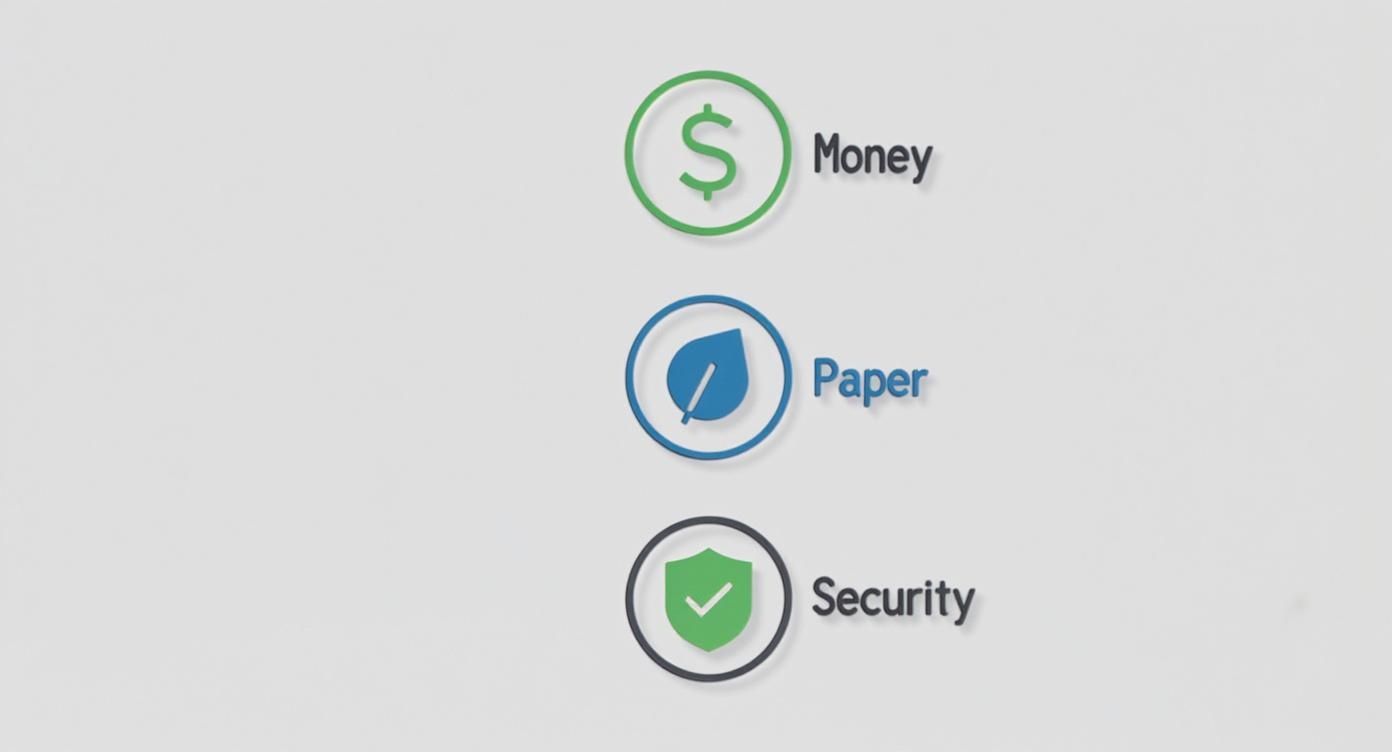
The benefits really stack up, especially for individuals or small businesses who only need to send a fax now and then:
- Total Convenience: Send a document from your laptop, tablet, or even your phone—wherever you have an internet connection.
- Zero Cost: You completely avoid the purchase price and ongoing maintenance costs of a physical fax machine.
- Better Security: Reputable online services use encryption, which is a huge step up from leaving a sensitive document sitting in the tray of a shared office machine.
Online faxing isn't just a replacement; it's an upgrade. It allows you to meet the requirements of legacy systems without giving up the efficiency and security we've come to expect from modern technology.
Traditional Faxing vs Free Online Faxing
Here’s a quick breakdown of how a free online service stacks up against a traditional machine for the occasional user.
| Feature | Traditional Fax Machine | Free Online Fax Service |
|---|---|---|
| Initial Cost | $100 – $400+ for the machine | $0 |
| Ongoing Costs | Paper, ink/toner, dedicated phone line, repairs | $0 (for sending) |
| Convenience | Tied to a physical location | Send from anywhere with internet |
| Document Format | Physical paper only | Digital files (PDF, DOCX, JPG, etc.) |
| Security | Documents can be left exposed in the output tray | Often includes encryption for secure delivery |
| Environmental Impact | Consumes paper and electricity | Paperless and eco-friendly |
The choice is pretty clear. For sending the occasional document, a free service just makes more sense.
Getting started is easy, but it helps to understand the fundamentals, like learning what is a fax number and how it works in a digital setup. Once you have that down, you'll see just how powerful this simple tool can be.
Getting Your Documents Ready to Fax
Before you can send a fax online, you need to have your document in a digital file. This might seem obvious, but the format you choose can make or break the whole process. Get it wrong, and your recipient could end up with a blurry, unreadable mess.
Most free fax services are pretty flexible and accept common file types. But from my experience, one format stands head and shoulders above the rest for reliability.
Pick the Right File Type for a Clean Send
You'll usually see options for PDF, DOCX, and JPG. While you can send a Microsoft Word file (DOCX) or a simple image (JPG), I always recommend sticking with PDF (Portable Document Format).
Why? Because a PDF is essentially a picture of your document. It locks everything in place—the fonts, the spacing, the images. This means what you see on your screen is exactly what will print out on the other end, which is crucial for things like signed contracts or official forms where every detail matters.
Think of a PDF as a digital snapshot. It prevents anything from getting jumbled or reformatted during the fax transmission, guaranteeing a professional and readable result every time.
From Paper to a Digital File
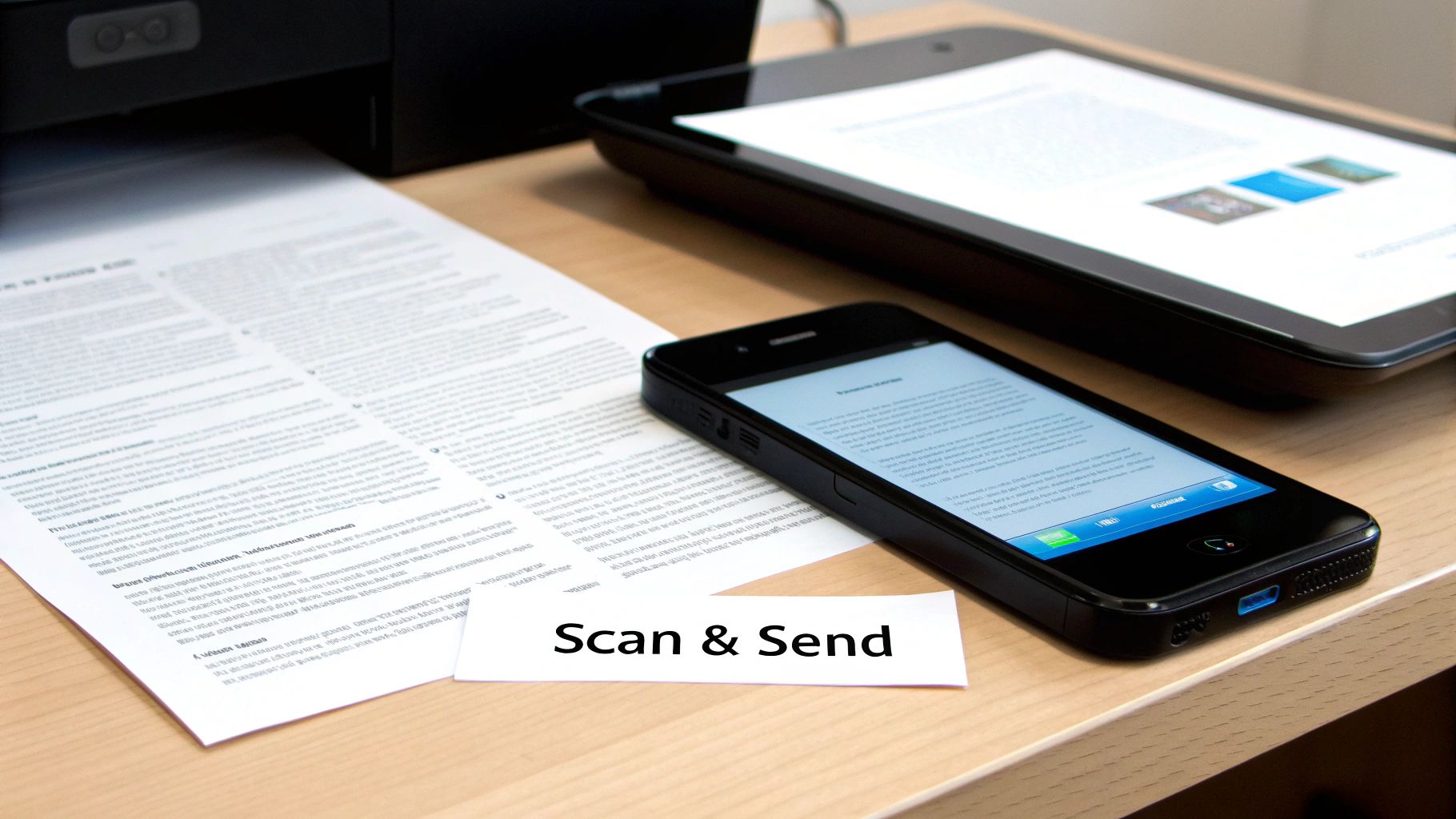
What if your document is a physical piece of paper sitting on your desk? No problem. You don't need a clunky old scanner anymore; your smartphone is more than capable of doing the job.
The camera on your phone, paired with a scanning app, can create a crisp digital copy. You might even have a scanner built right into your phone's native apps, like the Notes app on an iPhone or the Google Drive app on Android.
To get a great scan, just follow these simple tips:
- Light it up: Find a spot with good, even lighting. Lay your document on a flat, dark surface to create contrast. Try to avoid shadows or glare, as they can make the text hard to read.
- Get a steady shot: Hold your phone parallel to the document, making sure you can see all four corners. Most scanning apps are smart enough to find the edges and straighten the image for you.
- Tweak it a little: Once you've captured the image, use the app's editing tools to crop out the background. Bumping up the contrast can also make the text pop and the white background look cleaner.
Mind the File Size
This is a step people often forget. Free online fax services have to manage their resources, so they usually limit the size of the files you can send—typically somewhere between 5 MB and 10 MB. A really high-quality scan or a document with lots of images can easily blow past that limit.
If your file is too big, don't worry. Just pop it into a free online PDF compression tool. A quick search for "compress PDF free" will turn up plenty of easy-to-use options that can shrink your file down without sacrificing much quality, ensuring it uploads and sends without a hitch.
Sending Your First Free Online Fax
You’ve got your document prepped and ready to go. Now for the easy part. Sending a fax online is surprisingly straightforward, but a few small details can make all the difference. Let's walk through it so you know exactly what to expect.
Your first move is to head to a free online fax service. You'll immediately see a prompt to upload your file. This is where having that compressed PDF comes in handy—it makes for a quick and painless upload every time.
Getting the Recipient Details Right
This is where you need to pay close attention. It's the number one spot where faxes fail, and it's usually due to a simple typo.
For faxes within the U.S. and Canada, it’s just the area code and the seven-digit number. Don't worry about adding a "1" for long-distance; the service handles that for you.
Sending a fax internationally? You'll need to be a bit more careful. You have to start with the country code, then the city/area code, and finally the local number. For instance, a fax to London needs the UK's country code (44) at the very beginning. Forgetting that prefix is an almost guaranteed way to get a "failed transmission" notice.
A quick tip from experience: Always, always double-check the fax number before you hit send. One wrong digit can send your confidential documents to the wrong machine or just into the ether. It’s a two-second check that can save you a massive headache.
Why You Should Bother With a Cover Page
The cover page is your fax’s handshake. It's the first thing your recipient sees. While some services like SendItFax make it optional on paid plans, I'd argue it's essential for free sends, especially if you're faxing a large office with a shared machine. A good cover page ensures your document doesn't get lost in the shuffle.
Here's the key info to include:
- To: The recipient's full name and title.
- From: Your name and company (if it's relevant).
- Date: The day you're sending it.
- Subject: Be specific! "Signed Contract for Project Apollo" is a lot more helpful than "Contract."
- Number of Pages: Don't forget to include the cover page itself in the count (e.g., "5 pages, including cover").
Modern services make this whole process incredibly simple, turning what used to be a clunky office task into something you can do from your phone.
What Happens After You Click "Send"
Once you hit that button, the magic happens behind the scenes. The service converts your file into a signal that a traditional fax machine can understand and then starts dialing. It's not always instant—if the recipient's line is busy, the system will patiently redial a few times.
Keep an eye on your email inbox. You'll get a confirmation message that tells you whether the fax went through successfully or if it failed. This email is your proof of transmission, so it's important. If you don't see it within a few minutes, check your spam folder before you panic.
A "failed" notification isn't the end of the world. It’s usually just a busy signal, a disconnected number, or that tiny typo in the fax number we talked about. The process to send a free fax from your computer is built to handle these little hiccups, but getting the details right from the start is the best way to avoid them.
Navigating the Limits of Free Fax Services
https://www.youtube.com/embed/I4YKQdY6xwk
Free online fax services are an incredible tool for sending a quick document here and there, but it's important to go in with your eyes open. They all have guardrails in place, and knowing what they are ahead of time will save you a lot of frustration. I like to think of it less as a drawback and more as a simple trade-off for getting a service at no cost.
The most common hurdle you'll run into is a daily page limit. Most providers will cap you at a certain number of pages per day, typically somewhere between three to five pages per fax. This is usually plenty for sending back a signed contract or a single application form. But what happens when your document is longer?
Smart Workarounds for Page Limits
Don't throw in the towel. With a little creativity, you can work around those limits pretty easily. Let's say you have a seven-page document but the service only allows five pages per fax. The answer is simple: split it up. It just takes a little extra communication.
Here’s how I’ve handled this in the past:
- Split your document. I use a free online PDF tool to break my seven-page file into two smaller ones. In this case, I'd make one with pages 1-4 and a second with pages 5-7.
- Be crystal clear on your cover pages. For the first fax, I'll make the subject line something like: "Contract Submission – Part 1 of 2 (Pages 1-4)."
- Send the second part right away. Then, I immediately send the next one with a corresponding subject: "Contract Submission – Part 2 of 2 (Pages 5-7)."
This approach lets the person on the other end know exactly what to expect and makes it easy for them to assemble the full document. It keeps things professional and organized, which is always a good look.
The real goal isn't just to get the pages sent; it's to make the recipient's job as easy as possible. Clear labeling on the cover page transforms a workaround into a thoughtful, organized process that prevents any mix-ups.
Another big limitation is the inability to receive faxes. Free services are almost always a one-way street—you can send, but you can’t get one back. This makes sense, as providing a dedicated incoming fax number costs the provider real money. If you need two-way faxing, that’s the clearest sign that a free plan won't cut it for you.
When It's Time to Consider an Upgrade
Free services are purpose-built for occasional, non-critical faxes. But you’ll start to see signs when it’s time to look at a paid option, even a really affordable one.
You should think about upgrading if you find yourself:
- Constantly hitting the limits: If splitting documents or waiting for the next day to send a fax has become a regular part of your routine, your workflow is being slowed down.
- Needing to receive faxes: This is the number one reason people make the switch. For any kind of business or official back-and-forth, a dedicated number is a must-have.
- Wanting a more professional appearance: Free services, including SendItFax, often put their branding on the cover page. That’s perfectly fine for personal use, but a paid plan gets rid of it for a cleaner, more professional look.
- Sending highly sensitive information: While most free services are secure enough for general use, paid plans often come with better compliance features and guaranteed priority delivery.
For most people, the jump isn't to an expensive monthly subscription. A service like SendItFax has what they call an "Almost Free" plan where you pay a small, one-time fee per fax. It removes the branding, bumps your limit up to 25 pages, and gives your fax priority delivery. It's the perfect middle ground for when your needs have grown just a little bit.
Keeping Your Sensitive Documents Secure
When you're faxing something for free online, it’s easy to forget you're handling sensitive information. Whether it’s a signed contract or a personal medical form, you're handing that data over to a third-party service. Just because it's free doesn't mean you should have to compromise on security.
Thankfully, good services take this seriously. The absolute bare minimum you should look for is encryption. Specifically, check for services using SSL (Secure Sockets Layer) or its more modern cousin, TLS (Transport Layer Security). This is the same stuff that protects your credit card details when you shop online. It essentially creates a scrambled, secure tunnel between your computer and the fax service, making your documents completely unreadable to anyone trying to snoop on them while they're in transit.
Reading Between the Lines of a Privacy Policy
Okay, I get it—nobody wants to read a privacy policy. It’s usually a wall of legal jargon. But taking just a minute to skim it can tell you everything you need to know about how your files are being treated.
You don't need a law degree to spot the warning signs. Look for specific language about what happens to your documents after they’ve been sent. A reputable service will be up-front about deleting your files from their servers after a short, defined period.
A solid privacy policy will explicitly state that your data will not be sold or shared with third-party advertisers. If the language is vague or gives the company broad rights to use your content, that's your cue to find a different service.
An Essential Security Checklist
Before you upload a single document, run through this quick mental checklist. These are the green flags that signal a service actually cares about your privacy.
- SSL/TLS Encryption is a Must: Look for the "https://" at the beginning of the website's URL. If it's not there, don't use the service. Simple as that.
- A Clear Data Deletion Policy: The service should automatically and permanently purge your sent faxes once the transmission is finished.
- Minimal Data Collection: The service should only ask for what's truly necessary to send the fax—your email for a confirmation receipt and the recipient's fax number. Anything more is a red flag.
For certain fields, you have to think about legal compliance, too. If you’re sending anything related to healthcare, for instance, the service absolutely must be HIPAA compliant. This is a federal standard that ensures patient information is handled with the highest level of security.
Most free services won't meet this high bar, but it’s crucial to be aware of. Some methods, like sending faxes directly from your email, can add another layer of control. You can learn more about how to fax via email to see if that approach works better for your security needs. Ultimately, choosing a service with transparent, common-sense security practices lets you send faxes for free without looking over your shoulder.
Troubleshooting Common Online Faxing Problems
Even the simplest tech can have its moments. When you’re trying to get a free fax out the door, a small hiccup can feel like a major headache. The good news is that most of the time, the fix is incredibly simple.
The most common issue by far is the dreaded "fax failed" notification. My first bit of advice? Don't panic. It rarely means something is wrong with the service or your document. In my experience, more than 90% of these failures boil down to just two things: a busy signal on the other end or a simple typo in the fax number.
Before you even think about resending, take a breath and double-check the number you typed in. If you got it right, the receiving machine was probably just tied up. Give it a few minutes, then try sending it again.
When Your Confirmation Email Goes Missing
So you've hit "send," but there's no confirmation email in sight. It's easy to assume the fax failed, but that's usually not the case. The first place you should always look is your email's spam or junk folder. Automated messages from online services get flagged all the time.
If it's not hiding in spam, check to see if the service has a user dashboard or a "sent faxes" log. Most do, and it’s the best way to get a real-time status update on your transmission without having to guess.
A missing confirmation doesn't mean a failed fax. Always check your spam folder and the service's dashboard for a status update before you attempt to resend the document.
Fixing Upload and Quality Issues
Sometimes the problem pops up before you even get a chance to send it. If you can't get your file to upload, the culprit is almost always one of two things: the file is too big, or it's in the wrong format. Free fax services are strict about their size limits, so if your PDF is on the heavy side, run it through a free online PDF compressor to shrink it down.
What if the fax goes through, but the person on the other end says it's blurry or unreadable? That’s not a transmission error—it’s an issue with the quality of your original file. A little prep work can make all the difference.
Here’s what I recommend:
- Rescan your document: Find a flat surface with good lighting and hold your phone steady, directly above the page. No weird angles.
- Boost the contrast: Most scanning apps have a feature to make text darker and the background whiter. Use it.
- Stick with PDF: Always save your final file as a PDF. It locks in the layout and quality, so what you see is what they get.
Ultimately, a crisp, clean source file is the secret to a professional-looking fax. It ensures your message gets received loud and clear every time.
Got Questions About Free Online Faxing?
It's completely normal to have a few questions before you start sending faxes online. I've been doing this for years and have run into just about every scenario, so let's clear up some of the most common points of confusion.
Can I Actually Receive Faxes for Free?
This is probably the number one question I get, and the short answer is almost always no. Think of free online fax services as a one-way street—they're built for sending documents out, not for receiving them.
To get incoming faxes, you need your own dedicated fax number. That's a feature you'll only find in paid plans, so if you need that back-and-forth communication, you'll have to spring for a low-cost subscription.
How Safe Is It to Fax Sensitive Documents?
You can fax sensitive documents, but you have to be smart about it. Your top priority should be finding a service that uses SSL/TLS encryption. That's the same technology your bank uses to keep your online sessions secure, and it scrambles your data as it travels, making it unreadable to anyone else.
I'd also take a minute to read the provider's privacy policy. You want to see a clear statement that they automatically delete your files from their servers once the fax goes through. You don't want your private info just sitting on some company's server indefinitely.
One thing I can't stress enough: free services are generally not HIPAA compliant. If you're dealing with personal health information or other legally protected data, you absolutely need to use a paid, secure service. It's the only way to meet your legal and privacy obligations.
Ready to skip the old fax machine and send a document right now? With SendItFax, you can send up to three pages completely free, with no account sign-up required. If you've got a slightly longer document, our Almost Free plan handles up to 25 pages and gets you priority delivery. Give it a try at https://senditfax.com.
Related Posts
Faxes or Faxs: The Correct Plural Spelling

How to Fax from Computer Mac: Free Online Method
