How to Fax from Your Phone A Simple Guide
It's surprisingly straightforward to send a fax right from your phone. You just use a web-based service like SendItFax, upload your document from your mobile browser, punch in the recipient's number, and hit send. This whole approach sidesteps the need for a physical machine, effectively turning your smartphone into a powerful, portable fax solution.
Why Mobile Faxing Still Matters Today
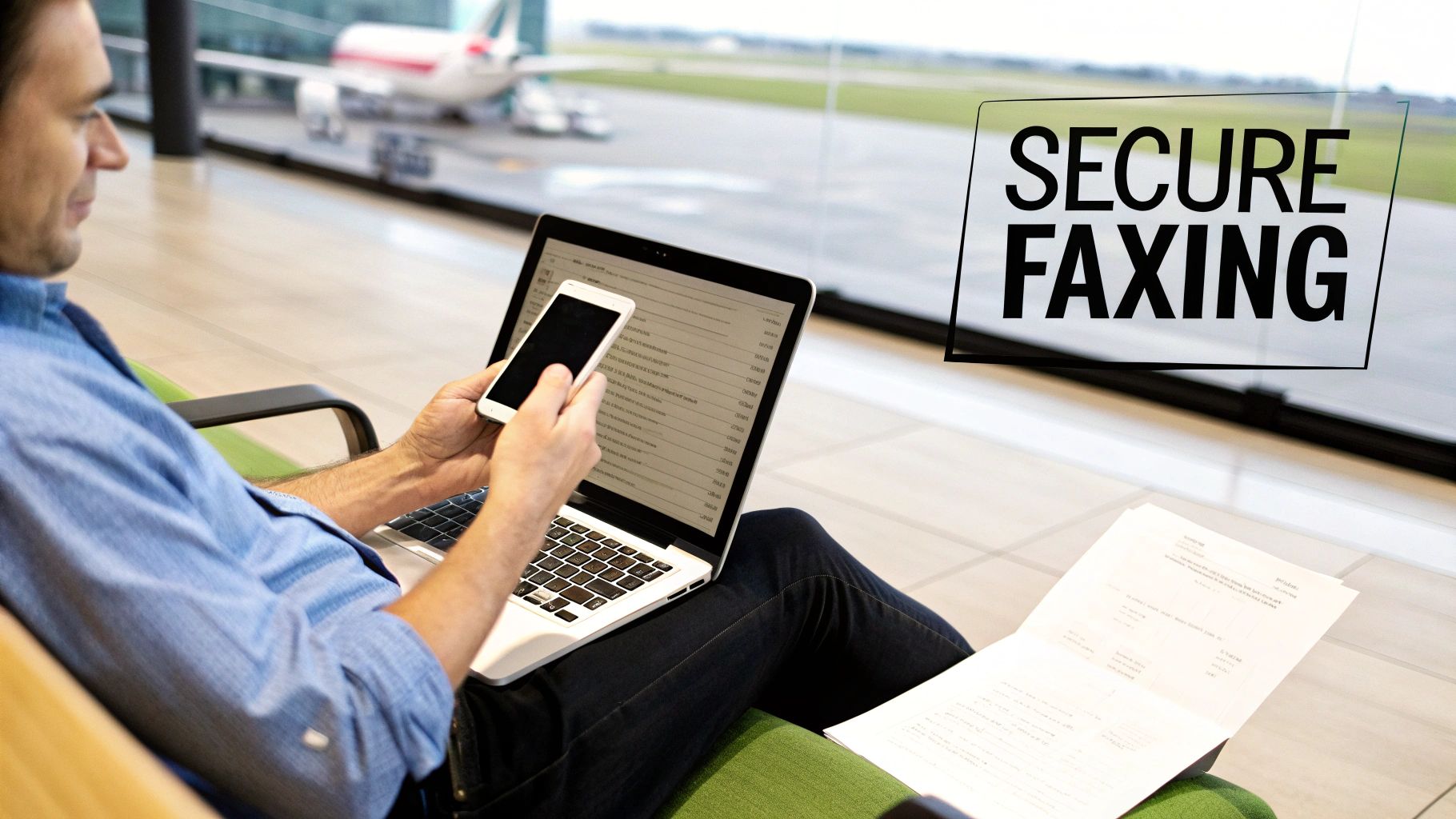
It might feel a little old-school to be talking about faxing when we have email and instant messaging, right? But the truth is, faxing still holds a critical spot in industries where security and legal weight are everything. I’m talking about healthcare, law, finance, and government—places that deal with sensitive personal data every single day.
For professionals in these fields, a fax isn't just a relic. It’s a trusted, secure way to send documents. Because a fax travels over a dedicated phone line, it creates a point-to-point connection that's incredibly difficult to intercept. This is precisely why many organizations still insist on faxes for official paperwork like signed contracts, medical records, or court filings.
Bridging Old Tech with New Habits
The real story here isn't the death of faxing, but its smart evolution. Learning how to fax from your phone combines the rock-solid security of traditional faxing with the on-the-go convenience we all demand. You're no longer chained to a clunky machine in the corner of an office.
Instead, you can send a signed mortgage application from your local coffee shop or forward a critical legal document while waiting to board a flight. It’s all about flexibility.
Modern online fax services are the digital bridge that makes this possible. These platforms take your digital file—whether it's a PDF, a photo, or a Word doc—and convert it into a format that a classic fax machine on the other end can understand and print. It’s really the best of both worlds.
The real magic of mobile faxing is how it fits a legacy communication standard into a modern, mobile-first workflow. It solves a genuine problem for anyone who needs to connect with organizations still relying on traditional systems.
Despite the big push toward all-digital solutions, the global market for traditional fax machines is still expected to be around $624 million in 2025. You can dig into the numbers in a recent market analysis from Archive Market Research. This tells us the hardware isn't vanishing; it's just becoming more specialized, which makes services that connect our digital lives to this established network more important than ever.
This is why a reliable online service is such a game-changer. It gives you a way to send official communications without having to own and maintain outdated equipment. The service handles all the tricky parts for you, like making sure the transmission gets a unique identifier. To get a better sense of how this works behind the scenes, you can learn more from our guide on what is a fax number and its role today.
This isn’t about bringing back old tech; it’s about making its proven strengths accessible from the device you already have in your pocket.
Mobile vs Traditional Faxing at a Glance
Here’s a quick comparison highlighting the key differences between sending a fax from your phone and using a conventional fax machine.
| Feature | Mobile Faxing (Online Services) | Traditional Fax Machine |
|---|---|---|
| Accessibility | Send/receive from anywhere with internet | Tied to a physical location |
| Hardware | None needed; uses your phone or computer | Requires a dedicated machine and phone line |
| Document Format | Handles digital files (PDF, DOCX, JPG) | Requires a physical paper copy to scan |
| Cost | Low-cost subscriptions or pay-per-fax | Machine purchase, toner, paper, phone line fees |
| Security | Encrypted transmissions and secure cloud storage | Secure point-to-point, but physical documents can be left in the open |
| Confirmation | Instant email notifications and digital logs | Prints a confirmation page (can be lost) |
As you can see, mobile faxing offers a level of convenience and cost-efficiency that traditional machines just can't match, all while maintaining the security needed for professional use.
Getting Your Documents Ready for Digital Faxing
Before you can send a fax from your phone, the document itself needs to be in a digital format. Think of it this way: a sharp, clean digital file is the foundation of a successful fax. It's what ensures the person on the other end gets a professional, easy-to-read document every single time.
Let's start with the most common situation: you've got a signed contract, an invoice, or a medical form sitting on your desk. Your phone is the only tool you need to turn that physical paper into a fax-ready file.
Turning Physical Paper into a Digital File
Forget about needing a big, clunky flatbed scanner. Your smartphone is a powerful scanner in its own right, as long as you keep a few things in mind to avoid those frustratingly blurry or skewed images that just look unprofessional.
- Find good, even lighting. Natural light from a window is fantastic, but a well-lit room works too. The main goal is to avoid casting shadows from your phone or hand across the page, which can hide important details.
- Lay it completely flat. Put the paper on a dark, contrasting surface like a clean desk or even the floor. This simple trick helps your phone's camera easily find the document's edges and crop it perfectly.
- Get directly overhead. Hold your phone parallel to the paper, not at an angle. Shooting from the side can warp the text and make it look stretched or crooked. For the best results, always shoot straight down.
Most modern phones actually have a document scanner built right into the Notes app (iOS) or Files/Drive app (Android). These are great because they automatically straighten the image, fix the perspective, and save it as a crisp, black-and-white PDF—the perfect format for faxing.
Choosing the Right File Format
Once you have your digital file, the format matters more than you might think. While many online fax services are flexible, there's one format that's considered the gold standard for a reason.
Pro Tip: When you have the choice, always go with PDF (Portable Document Format). PDFs are designed to look the same no matter what device they're viewed on. This means the layout, fonts, and spacing you see on your screen are exactly what the recipient's fax machine will print out. It’s the most reliable option, hands down.
Sure, services like SendItFax often accept DOC, DOCX, and even image files like JPG. But these can sometimes get a little wonky during the conversion process. A Word document with special formatting might not translate perfectly. Sticking with a PDF eliminates that risk and is a small step that makes a big difference.
If your document is already a digital file—like a report you just typed up in Microsoft Word or Google Docs—the fix is easy. Just use the built-in "Save as PDF" or "Download as PDF" function. That one little click gets your file perfectly prepped for a smooth and successful fax transmission.
How to Send a Fax from Your Phone Browser
Alright, you've got your document scanned and saved as a clean PDF. Now for the easy part: sending it straight from your phone's browser. There's no need to download yet another app. Web-based services like SendItFax let you get the job done in just a couple of minutes, and the whole process is surprisingly straightforward, even if you’ve never done it before.

The move away from clunky old machines is happening fast. In fact, the online fax service market hit a value of $2.52 billion in 2024 and is on track to nearly double to $4.54 billion by 2033. This isn't just a niche trend; it shows a massive demand for more flexible and secure ways to handle important paperwork from anywhere. You can dig into the numbers yourself in the full market analysis from Open PR.
Getting Started on the Web Service
First things first, open your favorite browser on your phone—whether it's Safari, Chrome, or something else—and head over to a service like SendItFax. These sites are designed to work perfectly on a small screen, so you won’t have to do any of that annoying pinching and zooming to see what you’re doing.
The layout is usually very direct. You'll see clear fields for your information (sender) and the recipient's details. This is where you’ll pop in your name, email address, the recipient's name, and of course, their fax number.
Crucial Tip: I can't stress this enough: double-check the recipient's fax number. A single wrong digit is the number one reason faxes fail to send. Make sure you have the complete 10-digit number, area code and all.
Uploading Your Document and Adding a Cover Page
Next, look for a button that says "Upload File," "Attach Document," or something similar. Tapping it will bring up your phone's file browser, letting you find and select that PDF you just prepped.
After your file is uploaded, you’ll almost always see an option to add a cover page. This is a great professional touch, especially for business documents. Think of it like the subject line of an email—it gives the person on the other end immediate context.
Typically, you can add a few key details:
- A brief subject line: Something like, "Signed Contract for Project Alpha."
- A short message: For example, "Please find the signed agreement attached. Let me know if you need anything else."
- The total number of pages: This includes the cover sheet itself.
If you're sending something less formal or the document is completely self-explanatory, you might decide to skip the cover page. Most services will have a simple checkbox to omit it, though this is sometimes a feature for paid plans.
Sending the Fax and What to Expect Next
Once all the information is filled in and your document is attached, you're ready to send. Find that big "Send Fax" button, give all the details one final glance for accuracy, and tap it.
From here, the service takes over. It converts your digital file into the right format for a traditional fax machine and sends it across the phone network. You don’t have to do a thing; the system handles all the technical wizardry behind the scenes.
In just a few moments, an email confirmation should land in your inbox. This is your digital receipt, telling you if the fax went through successfully or if it failed. We’ll get into what those notifications mean and how to fix any problems in the next section.
Confirming Delivery and Solving Common Problems
https://www.youtube.com/embed/oDQijqiyNC0
You’ve prepped your document, entered the details, and hit send. So, what happens now? Unlike the old days of dropping a letter in a mailbox and just hoping it arrived, modern faxing gives you immediate feedback. You should get an email confirmation from the service within a few minutes.
Think of this email as your digital receipt. It’s important. It will tell you in plain terms whether your fax was successful or if it failed. A success message gives you peace of mind—the document is in their hands. A failure notice, on the other hand, means we need to do a little detective work.
What to Do When a Fax Fails
Seeing that "failed" notification is frustrating, I get it. But don't just mash the resend button. The problem is usually something simple and quick to fix. Rushing to send it again without figuring out the "why" often just leads to another failure.
Before you do anything else, let's run through a quick mental checklist.
-
Did you fat-finger the number? A single wrong digit is, by far, the most common reason faxes fail. Double-check that you entered all 10 digits correctly, especially the area code. It’s so easy to mix up numbers on a phone screen.
-
Was the line busy? The receiving fax machine might have been tied up. This happens if it’s getting another fax or if it’s a shared line that also takes phone calls. My rule of thumb is to wait 10-15 minutes and then give it another shot.
-
Are you sure it's a fax line? Sometimes people give out their direct voice line by mistake. If you’re not 100% certain, a quick phone call to the recipient to confirm the number can save you a lot of hassle.
-
How did your document look? Was the file you sent a crisp, clean PDF? A blurry photo or a weirdly formatted document can sometimes be rejected by the receiving machine’s older hardware.
In my experience, the issue is almost always a simple human error or just bad timing on the recipient's end. If you walk through these steps one by one, you’ll usually find the culprit and get your document sent successfully on the next try.
Digital Faxing Is More Reliable Than You Think
This whole process—from sending to getting instant confirmation—is why online faxing has become so essential. It’s not just about keeping old tech alive; it’s about making it smarter and more reliable for how we work today.
The numbers back this up. The fax services market is expected to grow from $3.31 billion in 2024 to nearly $4.48 billion by 2030. That growth is fueled by cloud services that make knowing how to fax from your phone a genuinely useful skill. For anyone interested in the data, the global fax services market report has a deep dive into these trends. This evolution means that even when you hit a small snag like a failed send, the tools to fix it are right there in your hand.
Choosing the Right Mobile Faxing Method
Using a web service like SendItFax right from your phone's browser is perfect for those one-off situations. It's fast, simple, and gets the job done without any fuss. But what if you send faxes more often?
Your best approach really hinges on your specific needs—how frequently you fax and what features you can't live without. Let's break down the main alternatives to see what makes the most sense for you.
Dedicated Mobile Faxing Apps
If you find yourself faxing documents on a regular basis, downloading a dedicated mobile app is almost always the right move. These apps are built specifically for your phone, meaning the entire experience is much smoother and more integrated than using a website.
For instance, think about getting an instant push notification on your lock screen the second your fax goes through. No more checking your email for confirmation. Many apps also sync with your phone's contact list, so you can just tap a name instead of manually punching in a fax number every single time.
This level of convenience usually comes with a subscription. Most top-tier apps charge a monthly or annual fee, which is a great value for businesses or professionals who rely on faxing. However, it’s probably not necessary if you only need to send a document once a year.
The biggest win with a dedicated app is how it plugs directly into your phone's ecosystem. Push notifications, contact list access, and built-in scanning tools create a seamless workflow that a browser just can't match for heavy users.
Email-to-Fax Services
Here's a clever option for anyone who spends their day in their email inbox: email-to-fax. The beauty of this method is its simplicity. It feels completely natural because you're using a tool you already know inside and out.
The process is surprisingly straightforward. You just compose a new email, attach your file (like a PDF or Word doc), and send it to a unique email address. This address is usually a combination of the recipient's fax number and the service's domain, something like [email protected].
The service handles the rest, converting your email into a fax and sending it on its way. This is also fantastic for record-keeping, as you'll automatically have a copy of what you sent right in your "Sent" folder.
So, which path should you take? To make it clearer, here’s a quick breakdown of how these methods stack up against each other.
Which Mobile Faxing Method Is Best for You?
| Method | How It Works | Best For | Common Cost Structure |
|---|---|---|---|
| Web-Based Service | Upload a document directly on a website from your phone's browser. | Quick, one-off faxes where you don't need ongoing features. | Pay-per-fax or a limited number of free pages. |
| Dedicated Mobile App | Download an app that offers an integrated, mobile-first experience. | Frequent faxing by individuals or businesses who need reliability and extra features. | Monthly/annual subscription plans, often with tiered features. |
| Email-to-Fax | Send an email with an attachment to a specially formatted address. | Professionals who want to integrate faxing into their existing email workflow. | Usually included with a subscription plan from an online fax service. |
At the end of the day, there's no single "best" choice—only the best choice for you. If you send a fax once in a blue moon, a web service is all you need. If it's a weekly task, investing in a dedicated app will pay for itself in convenience. And for email power users, the email-to-fax route is a no-brainer.
For a more granular look at the options out there, this detailed online fax services comparison is a great resource to help you match features to your specific needs.
Got Questions About Mobile Faxing?
It’s one thing to follow the steps, but it's another to feel confident about the process. If you’ve still got some questions, you're not alone. Let's tackle some of the most common things people ask when they start faxing from their phones.
Is Faxing From a Phone Actually Secure?
This is probably the most important question, and the answer is a firm yes—as long as you use a reputable service. When you send a document through a service like SendItFax, the file is encrypted. Think of it as sending your document through a secure, private tunnel where no one else can see it.
Honestly, it’s often much safer than using the old office fax machine. Those faxes frequently sit in a public tray for anyone to grab. With mobile faxing, the document travels directly from your device to the recipient, and you get a private confirmation.
The real key to security is picking a provider that takes it seriously. Look for services that encrypt your data both while it's being sent and while it's stored. This level of protection is trusted by professionals in healthcare, finance, and law.
Can I Really Send a Fax to Another Country?
Absolutely. Most online fax services are built for global communication. The process itself doesn’t change—you still upload your document and punch in the number.
The only difference is how you format the number. You'll need to include the country code and often drop the leading "0" from the local number. For example, a UK number would start with +44.
Just be mindful of the cost. Sending a fax internationally will almost always cost more than a domestic one. Rates can vary wildly depending on the destination, so I always recommend checking the service’s pricing page first to avoid a surprise on your bill.
What About Receiving Faxes on My Phone?
While sending is the most common need, receiving faxes is just as easy. To do this, you'll typically need a subscription plan which gives you a dedicated virtual fax number.
Once you have that number, anyone can send a fax to it from a traditional machine. Instead of printing out on paper, it arrives directly in your email inbox, usually as a PDF. It’s a game-changer for anyone who needs to receive signed contracts or important forms while on the go.
This turns your phone into a complete, two-way faxing solution. If you want to dive deeper, our guide on how to fax via email breaks down exactly how to set it up and make it part of your daily workflow.
Ready to send a document right now without the hassle of subscriptions or clunky hardware? With SendItFax, you can fax your documents from any browser in just a few clicks. Whether it's a single page or a lengthy contract, our straightforward service gets it there securely. Try SendItFax today and see how simple faxing can be.
Related Posts

How to Fax from Computer Mac: Free Online Method

Do You Need a Fax Number to Send a Fax? a Practical Guide
