Where Can I Fax in 2026? 12 Best Online and In-Store Options
Despite the prevalence of email and cloud storage, faxing remains a critical tool for many legal, medical, and government communications. With traditional fax machines now largely obsolete for personal use, the question of where can I fax a document is more relevant than ever. This guide is your definitive answer, providing a comprehensive resource for sending faxes without owning a machine. Whether you need to transmit a single page urgently or require a reliable solution for your small business, the modern options are far more convenient than you might think.
This article details the 12 best online fax services and physical retail locations for sending documents. We'll directly compare each option on the factors that matter most: cost per page, security protocols, supported file types, and overall ease of use. From free web-based platforms for quick, one-off sends to full-featured subscription services and dependable in-store counters, you'll find the perfect fit. Each entry includes practical insights and direct links to get you started immediately. We cut through the clutter to help you find the most efficient and cost-effective way to send your fax today.
1. SendItFax
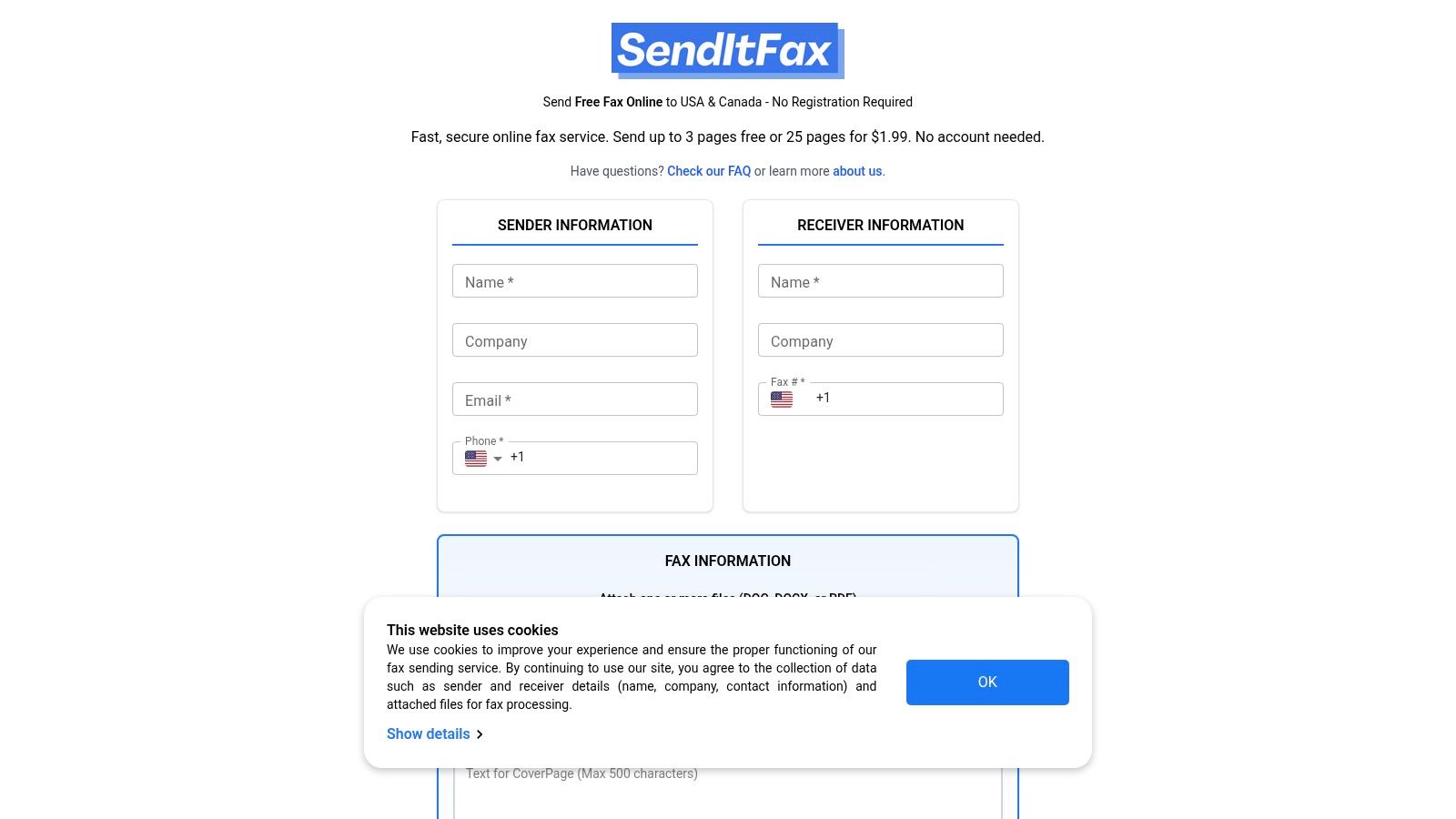
For those asking "where can I fax with maximum speed and minimal hassle," SendItFax emerges as a premier browser-based solution. It masterfully eliminates the typical barriers associated with faxing, offering a truly no-registration workflow that allows you to send documents directly from any device. This makes it an exceptionally strong choice for anyone needing to send a quick, one-off fax without committing to a subscription or downloading software.
The platform is engineered for immediate use. You simply upload your document, enter the recipient's fax number, and send. Its streamlined interface and clear instructions are a significant advantage for users who are not tech-savvy or are in a hurry.
Key Features and Use Cases
SendItFax is particularly well-suited for professionals and individuals with occasional faxing needs. Its dual-tier model provides flexibility that few competitors can match.
- Free Tier: Ideal for personal use or quick administrative tasks. You can send up to 3 pages (plus a cover page) completely free, with a limit of five faxes per day. This is perfect for submitting a signed form, a medical record, or a short contract. Note that free faxes include SendItFax branding on the cover sheet.
- "Almost Free" Paid Tier: For just $1.99, you can send up to 25 pages, remove the branding for a more professional look, and receive priority delivery. This pay-per-fax option is invaluable for small businesses, lawyers, or medical offices sending longer documents without the expense of a monthly plan.
- Supported Files: The service accepts the most common document formats, including PDF, DOC, and DOCX, covering the majority of business and personal document needs.
This platform stands out as one of the most effective ways to fax without a fax machine.
Why It's a Top Choice
Pros:
- No Account Needed: The ability to send a fax without creating an account is its standout feature, saving time and protecting your privacy.
- Genuine Free Option: Unlike services that only offer a free trial, its daily free faxes provide a sustainable solution for light users.
- Cost-Effective: The pay-per-fax model is a budget-friendly alternative to subscriptions for those who fax infrequently.
- High User Satisfaction: With an average rating of 4.8/5 from over 250 reviews, it has proven reliability among a diverse professional user base.
Cons:
- Geographic Limitation: Service is restricted to fax numbers within the U.S. and Canada.
- No Inbound Faxes: This is a send-only service; you cannot receive faxes.
- Lacks Specific Certifications: The site does not list explicit regulatory compliance like HIPAA, so users handling highly sensitive data should review the terms and privacy policy carefully.
Website: https://senditfax.com
2. eFax
For individuals and businesses needing a permanent, full-featured fax solution, eFax is one of the most established names in the industry. It transforms your computer or mobile device into a powerful fax machine, providing a dedicated local or toll-free fax number. This makes it an excellent choice for professionals who regularly send and receive sensitive documents and need a reliable, dedicated line. Its platform supports multi-user management through an admin portal, making it scalable for growing teams.
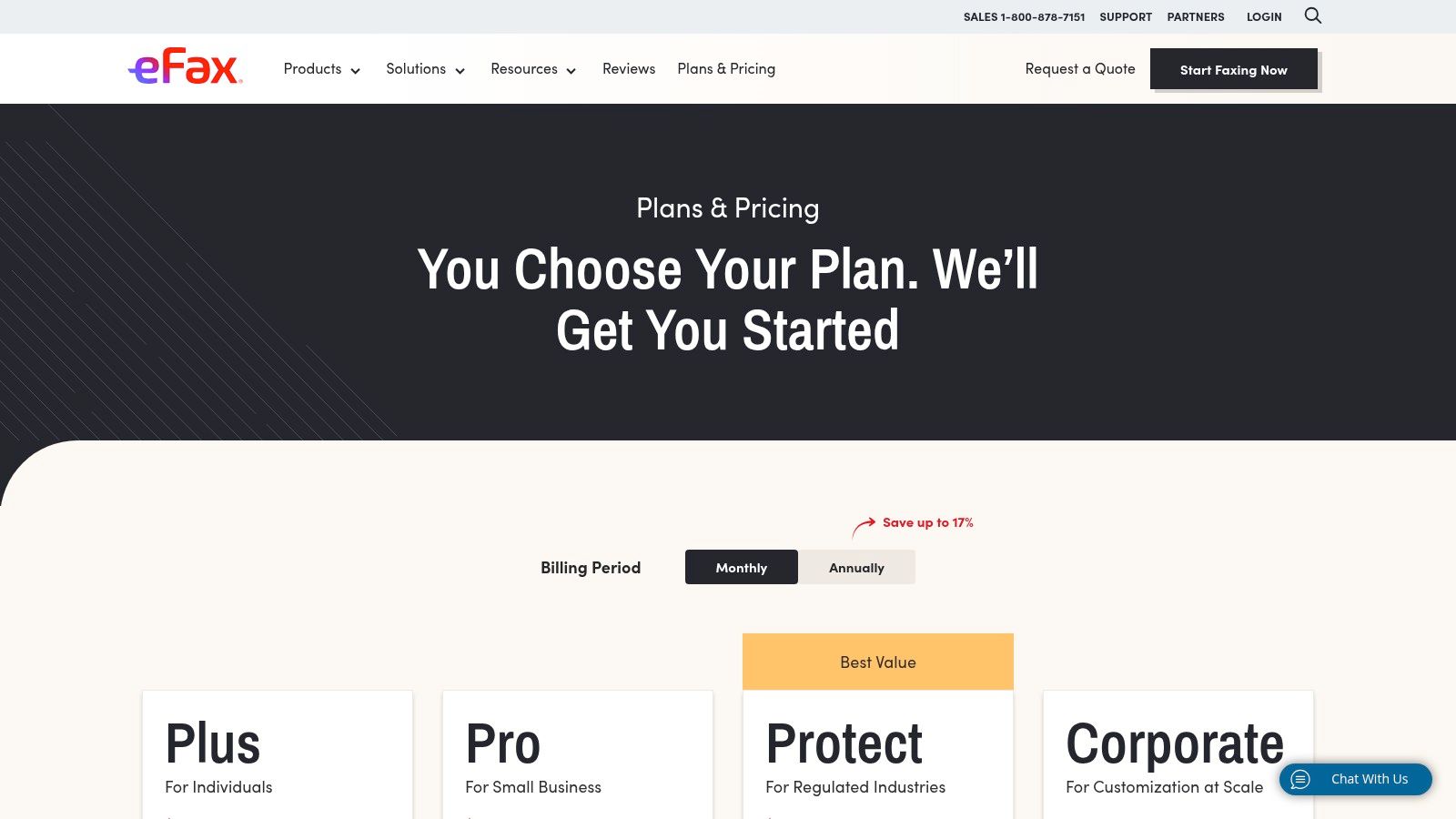
Unlike pay-per-use services, eFax operates on a subscription model, which can be overkill if you just need to send a one-off fax. However, for those in healthcare, legal, or real estate, its HIPAA-eligible plans provide the necessary security and compliance for handling confidential information. This focus on enterprise-grade features, including API access and team sharing, is where it truly stands out. To see a detailed breakdown of its features against competitors, you can explore this in-depth online fax services comparison.
- Best For: Businesses and professionals needing a dedicated fax number and advanced features.
- Key Feature: Offers HIPAA/HITRUST-eligible plans for secure, compliant faxing.
- Pricing: Subscription-based, starting with monthly plans that include page allotments and overage fees.
- Website: https://www.efax.com
3. FAX.PLUS
FAX.PLUS strikes a balance between accessibility for casual users and robust features for regulated industries, making it a versatile option if you're wondering where can I fax securely. It stands out with a free plan that allows you to send up to 10 pages, making it ideal for quick, one-off tasks without any financial commitment. For businesses, its tiered structure scales up to offer enterprise-grade tools, including extensive integrations with platforms like Google Workspace and Slack.
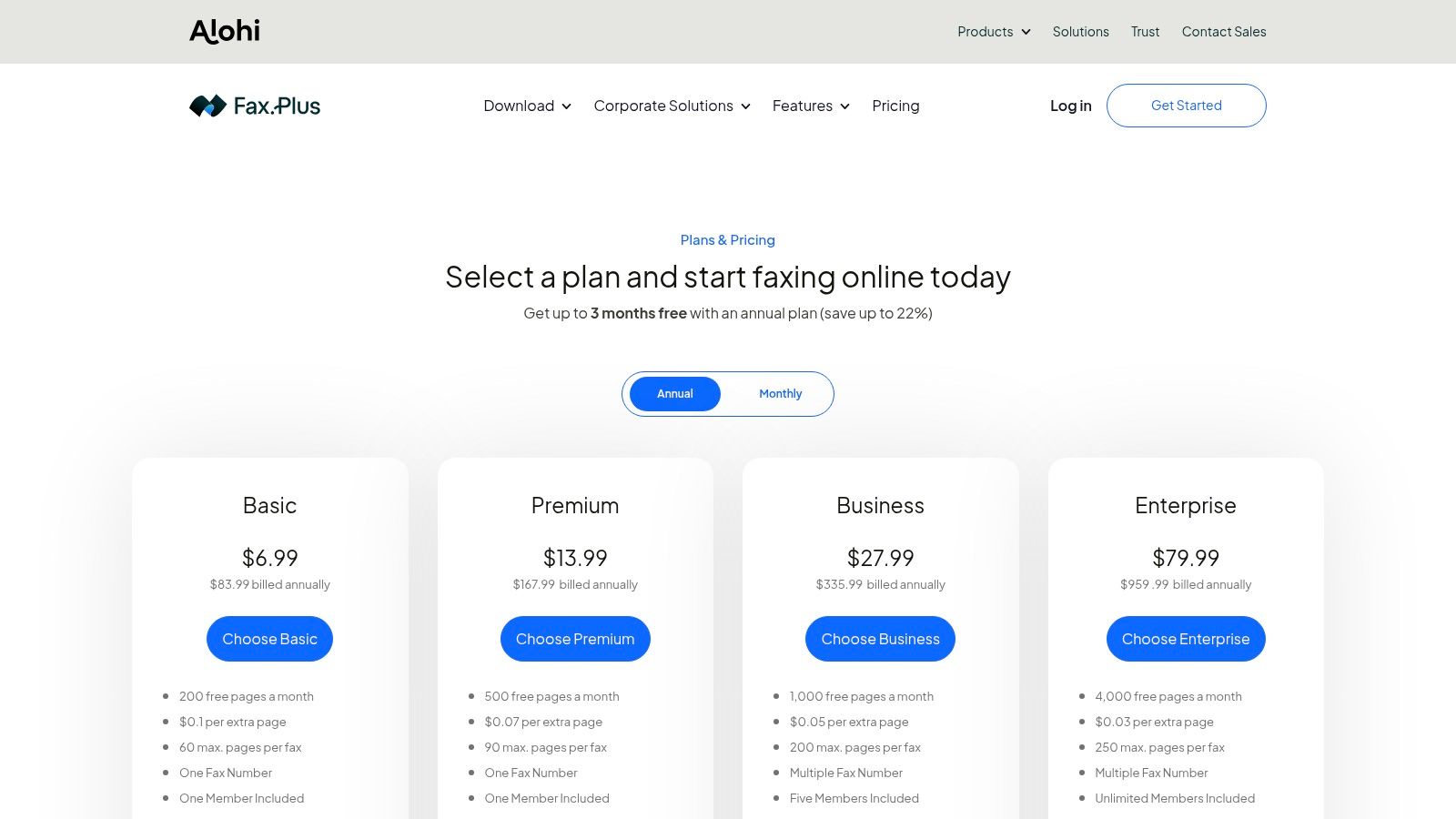
While receiving faxes requires a paid subscription, the platform's paid tiers are competitively priced and packed with value. A significant differentiator is its focus on compliance at the Enterprise level, providing a signed Business Associate Agreement (BAA) for HIPAA needs and advanced security controls like Single Sign-On (SSO). This makes it a strong contender for healthcare or legal professionals who need compliant communication tools but may not require the full suite of a service like eFax. The user-friendly mobile and web apps ensure a smooth experience across all devices.
- Best For: Individuals needing a free one-time send and businesses requiring scalable, compliant faxing.
- Key Feature: Free plan for sending up to 10 pages and HIPAA compliance with a BAA on the Enterprise plan.
- Pricing: Free tier available; paid plans are subscription-based with varying page limits and features.
- Website: https://www.fax.plus/pricing?utm_source=openai
4. FaxZero
For those who only need to send a quick one-off fax and don't want to sign up for an account, FaxZero is an excellent browser-based solution. It offers a straightforward "freemium" model that makes it incredibly accessible for occasional use. The free service allows you to send up to three pages (plus a cover sheet) to any number in the U.S. or Canada, with a limit of five free faxes per day. This makes it a go-to choice for anyone looking for an immediate, no-cost answer to the question of where can I fax a short document.
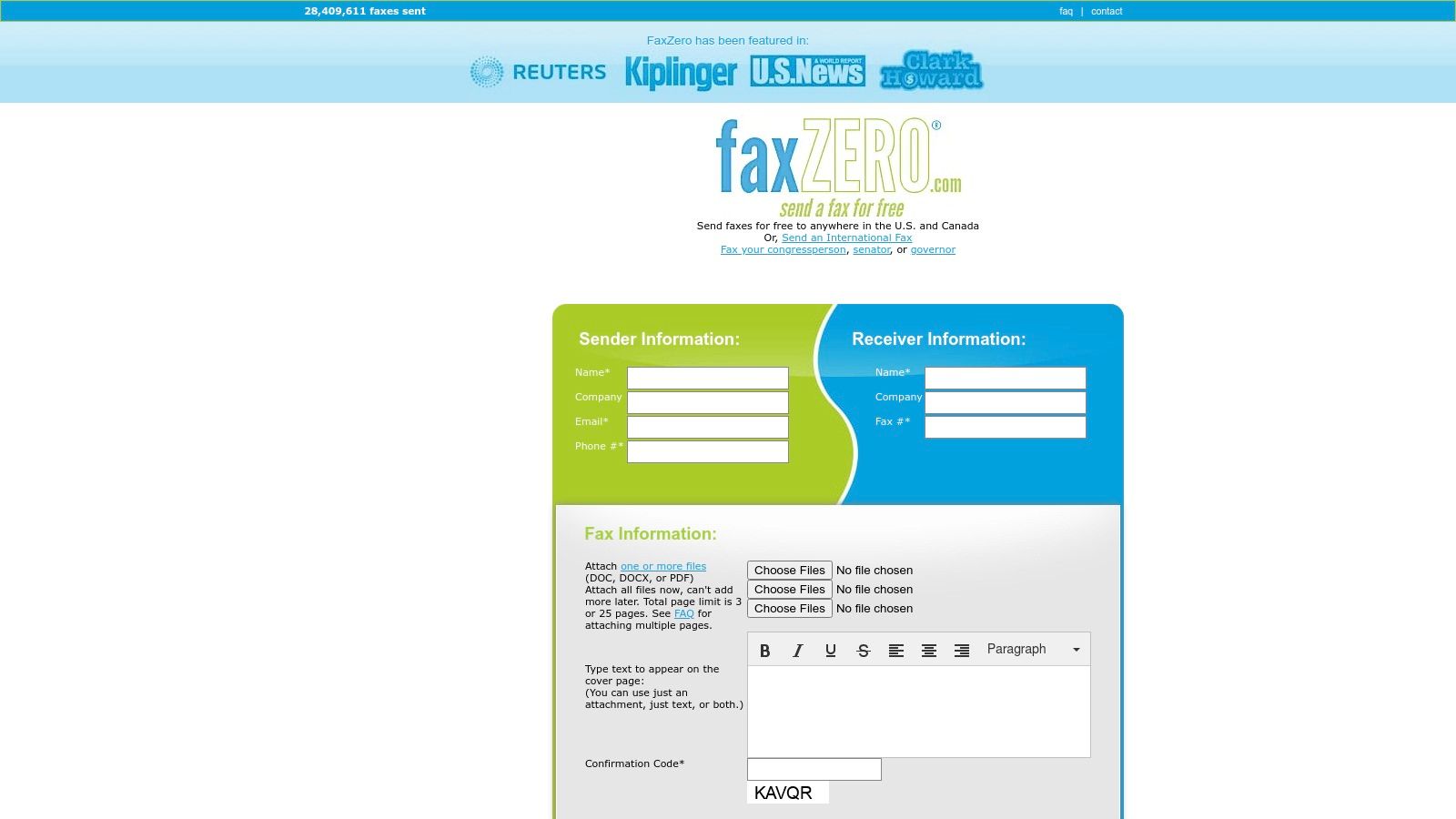
The primary trade-off for the free service is the FaxZero branding that appears on the cover page. To avoid this and send longer documents, its "Almost Free" option allows you to fax up to 25 pages for a small fee, grants priority delivery, and removes the branding. Since it's a send-only platform, you can't receive faxes, which makes it unsuitable for business communication. However, for quickly submitting a form or sending a signed document without a long-term commitment, its simplicity is unmatched. This service is a prime example of faxing without a landline, offering pure utility for one-way transmissions.
- Best For: Individuals needing to send a quick, one-time fax without creating an account.
- Key Feature: Free faxing for up to 3 pages (plus cover) with a generous daily limit.
- Pricing: Free for up to 3 pages (with ads on cover); small pay-per-fax fee for up to 25 pages.
- Website: https://faxzero.com/
5. GotFreeFax
For those who need a simple, no-frills way to send a fax online without any branding, GotFreeFax is a top contender. It stands out by offering a genuinely free tier that doesn't place ads on your cover page, a common drawback with other free services. This makes it an excellent choice for sending professional-looking documents on a one-off basis without committing to a paid plan. Its interface is straightforward, focusing purely on the task of sending a fax quickly and efficiently to numbers in the U.S. and Canada.
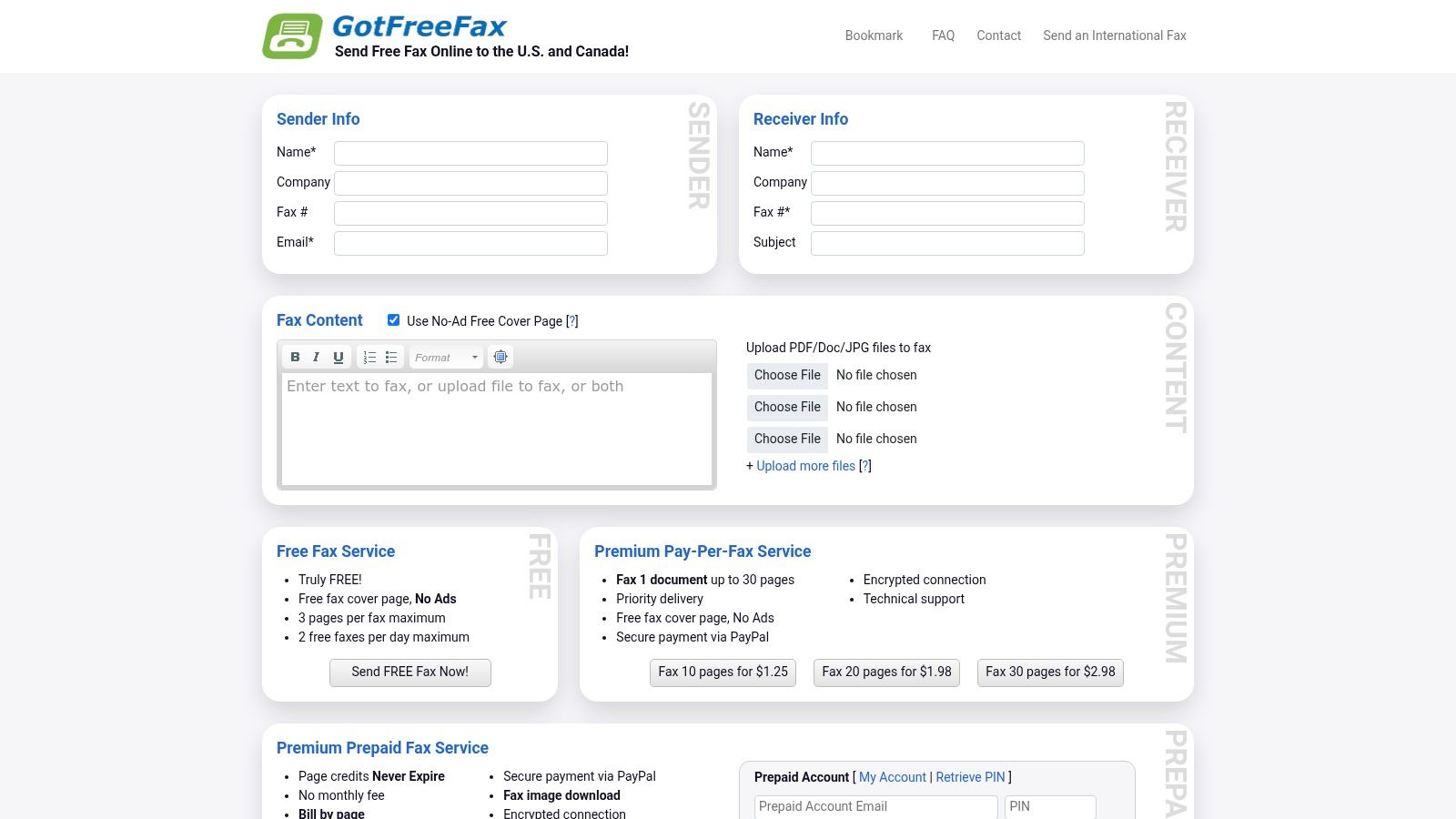
While the free service is limited to two faxes per day of up to three pages each, the platform offers flexible pay-per-fax options for larger documents. Users can purchase prepaid credits that never expire, which is ideal for sporadic faxing needs. This model avoids the recurring costs of a subscription, providing a cost-effective solution for anyone wondering where can I fax without a monthly fee. However, its biggest limitation is that it's a send-only service, so you cannot receive faxes.
- Best For: Individuals and small businesses needing to send occasional, ad-free faxes without a subscription.
- Key Feature: Free tier sends faxes with no branding or ads on the cover page.
- Pricing: Free for up to 3 pages (2 faxes/day); premium pay-per-fax and prepaid credits available for larger sends.
- Website: https://www.gotfreefax.com/
6. WiseFax
WiseFax offers a flexible pay-as-you-go model that is ideal for anyone who needs to send a fax sporadically without committing to a monthly subscription. The platform operates on a token-based system, allowing you to purchase the exact number of pages you need, making it a cost-effective choice for short, infrequent transmissions. Its standout feature is the option to rent a temporary U.S. or Canadian fax number for as little as a week, a unique solution for those needing to receive a one-time fax.
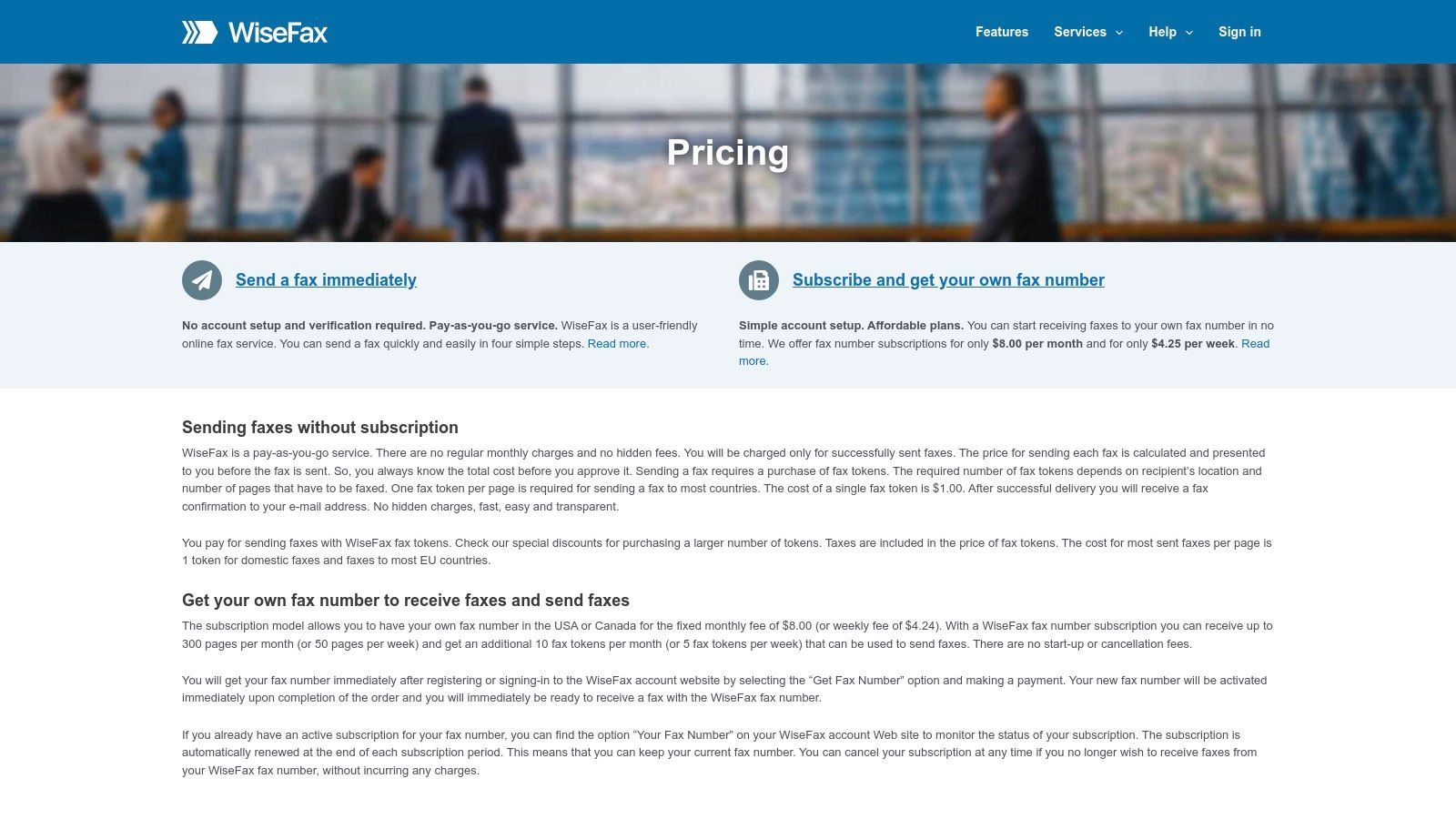
This service strips away the complexity of traditional faxing, providing a simple interface through its website, mobile apps, or even an email-to-fax feature. While the per-page token model can become expensive for longer documents, the low barrier to entry is perfect for quick tasks like sending a signed contract or a personal identification form. It’s an excellent answer for where can I fax without worrying about recurring fees, though users needing advanced compliance features like HIPAA may need to look at more specialized services.
- Best For: Occasional users and those needing a temporary number to receive a fax.
- Key Feature: Pay-as-you-go token system and weekly fax number rentals.
- Pricing: Pay-per-use for sending; weekly ($4.25) or monthly ($8) plans for receiving.
- Website: https://www.wisefax.com/pricing/?utm_source=openai
7. MyFax
MyFax is an excellent middle-ground solution for small businesses and home offices that need a dedicated fax number without the enterprise-level complexity of larger platforms. It provides a straightforward online fax service where you can send and receive faxes through email, its web portal, or a mobile app. The platform's appeal lies in its simplicity and clearly defined plans, which include a local or toll-free number and a set number of pages, making it easy to budget for faxing needs.
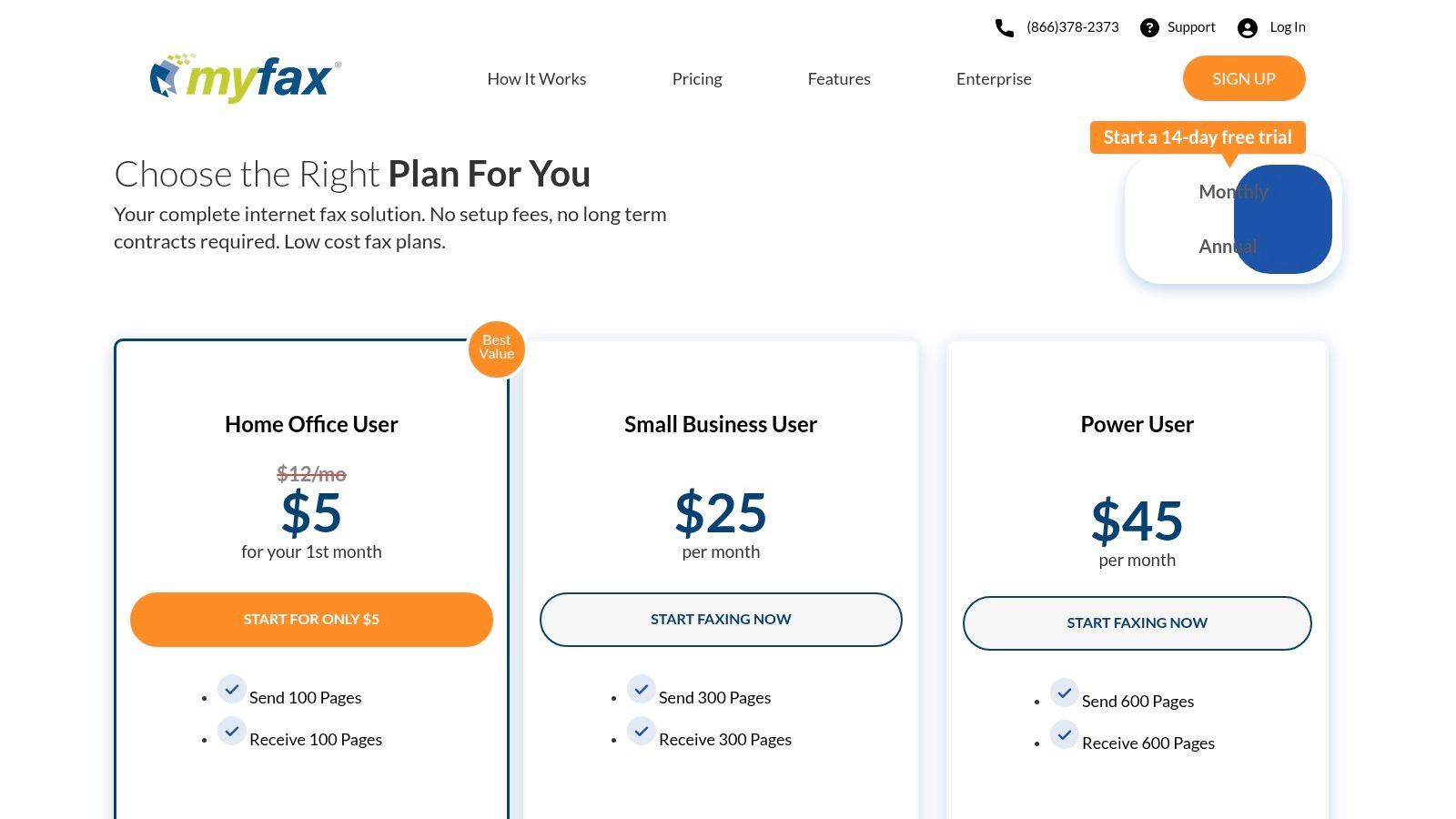
Unlike pay-per-fax services, MyFax operates on a subscription model, ideal for users with consistent but moderate fax volume. A generous 14-day free trial allows you to thoroughly test the service before committing. One of its standout features is the ability to authorize unlimited email addresses to send faxes from the same account, which is great for small teams. However, businesses in regulated industries should note that its standard plans do not explicitly mention HIPAA compliance, and overage charges of $0.10 per page can accumulate if your usage exceeds your plan's allotment.
- Best For: Small businesses, freelancers, and home offices needing a simple, dedicated fax line.
- Key Feature: Unlimited authorized email senders, allowing multiple team members to use one account.
- Pricing: Subscription plans with monthly page allotments and a $0.10 per page overage fee.
- Website: https://www.myfax.com/pricing?utm_source=openai
8. SRFax
For those in regulated industries wondering where they can fax with confidence, SRFax provides a security-first solution. It is highly specialized for healthcare, legal, and other sectors that demand stringent data protection, offering HIPAA and PHIPA-compliant plans complete with a signed Business Associate Agreement (BAA). Its platform is built to handle sensitive information like Protected Health Information (PHI) securely, making it a go-to for clinics, law offices, and financial institutions needing a reliable and compliant communication channel.
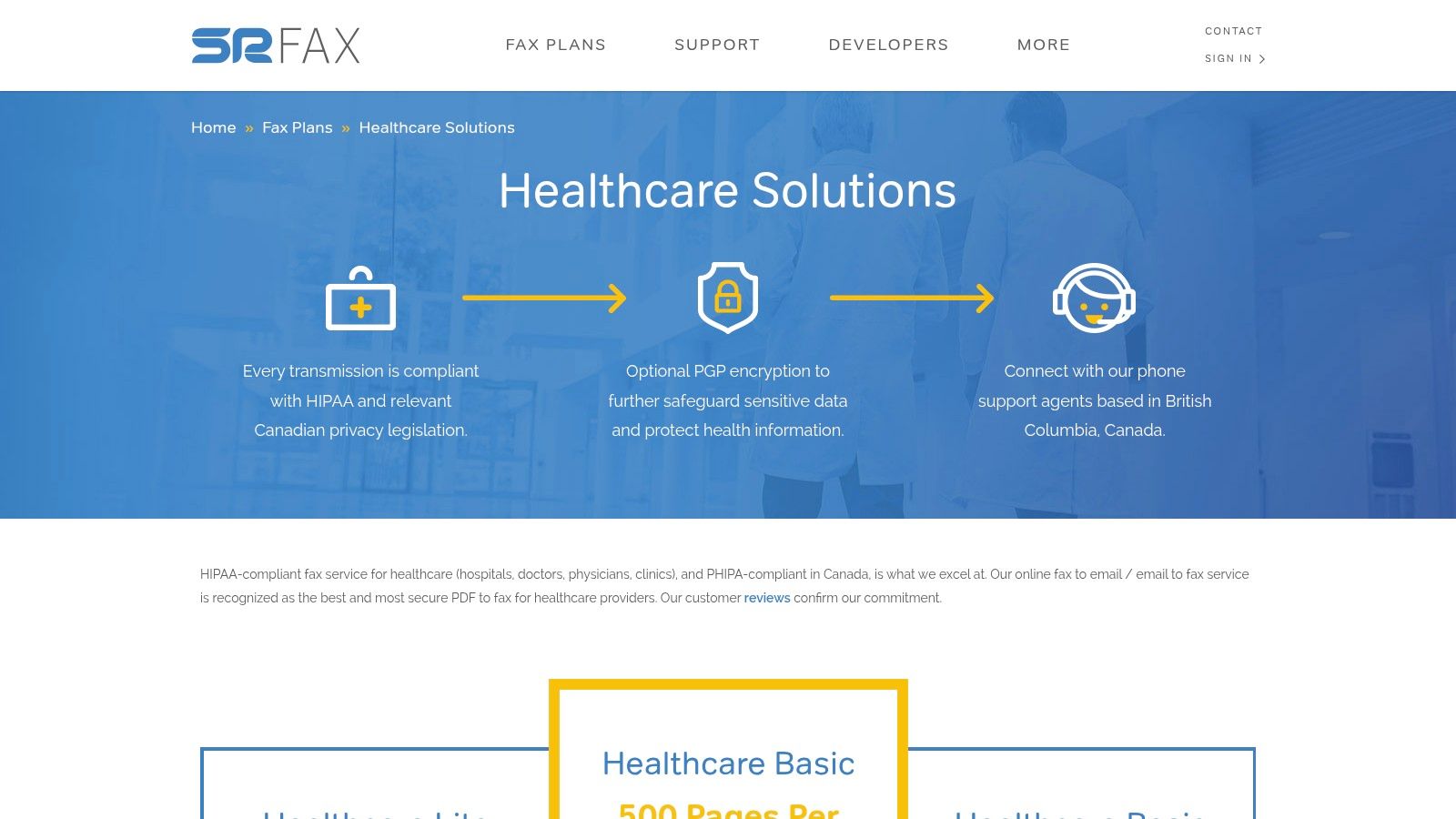
While the user interface is more utilitarian and less modern than some competitors, its strength lies in function over form. SRFax delivers excellent value for low-to-medium volume users in regulated fields, providing key features like number porting, unlimited storage, and multi-user support without a premium price tag. While standard SMB plans are available, its core focus on compliance is what sets it apart from more generalized online fax services, ensuring that professionals can meet their legal obligations without compromise.
- Best For: Healthcare providers and businesses in regulated industries needing HIPAA/PHIPA compliance.
- Key Feature: Offers a signed BAA with its healthcare plans for guaranteed compliance.
- Pricing: Subscription-based, with specific tiers for healthcare and standard business use.
- Website: https://www.srfax.com/fax-plans/healthcare-solutions/?utm_source=openai
9. FaxBurner
For users needing a quick, temporary fax number on the go, FaxBurner offers a unique mobile-centric solution. Its standout feature is the ability to generate a free, disposable fax number that lasts for 24 hours, perfect for receiving a one-time document without committing to a plan. This makes it an excellent choice for individuals who rarely need to receive faxes but find themselves in a situation where they need a temporary number instantly. The service is primarily accessed through its streamlined iOS and Android apps, reinforcing its focus on convenience and mobile workflows.
Unlike traditional services that require a subscription for a dedicated number, FaxBurner's free tier provides a simple, on-demand option. While the free plan has tight limits (25 inbound pages per month and only 5 outbound pages for the lifetime of the account), it solves the immediate problem of where to receive a fax without a machine. For more permanent needs, its paid plans offer dedicated toll-free numbers and larger page allotments. However, it's important to note that the service is not HIPAA-compliant, making it unsuitable for sending or receiving protected health information.
- Best For: Mobile users needing a temporary, disposable number to receive a fax quickly.
- Key Feature: Provides a free, temporary fax number on demand that is active for 24 hours.
- Pricing: Free plan with limited pages; paid subscriptions available for permanent numbers and higher volumes.
- Website: https://www.faxburner.com/
10. FAXAGE
For users who prefer a more utility-focused, pay-for-what-you-use approach, FAXAGE offers a low-cost, metered internet faxing solution. Its minute-based billing can be highly cost-effective for intermittent use, distinguishing it from services with fixed page allotments. This makes it a compelling choice for individuals or businesses whose faxing needs fluctuate, as you only pay for the transmission time you actually use. It provides a full suite of access methods, including email, web, a mobile app, and API support for more complex workflows.
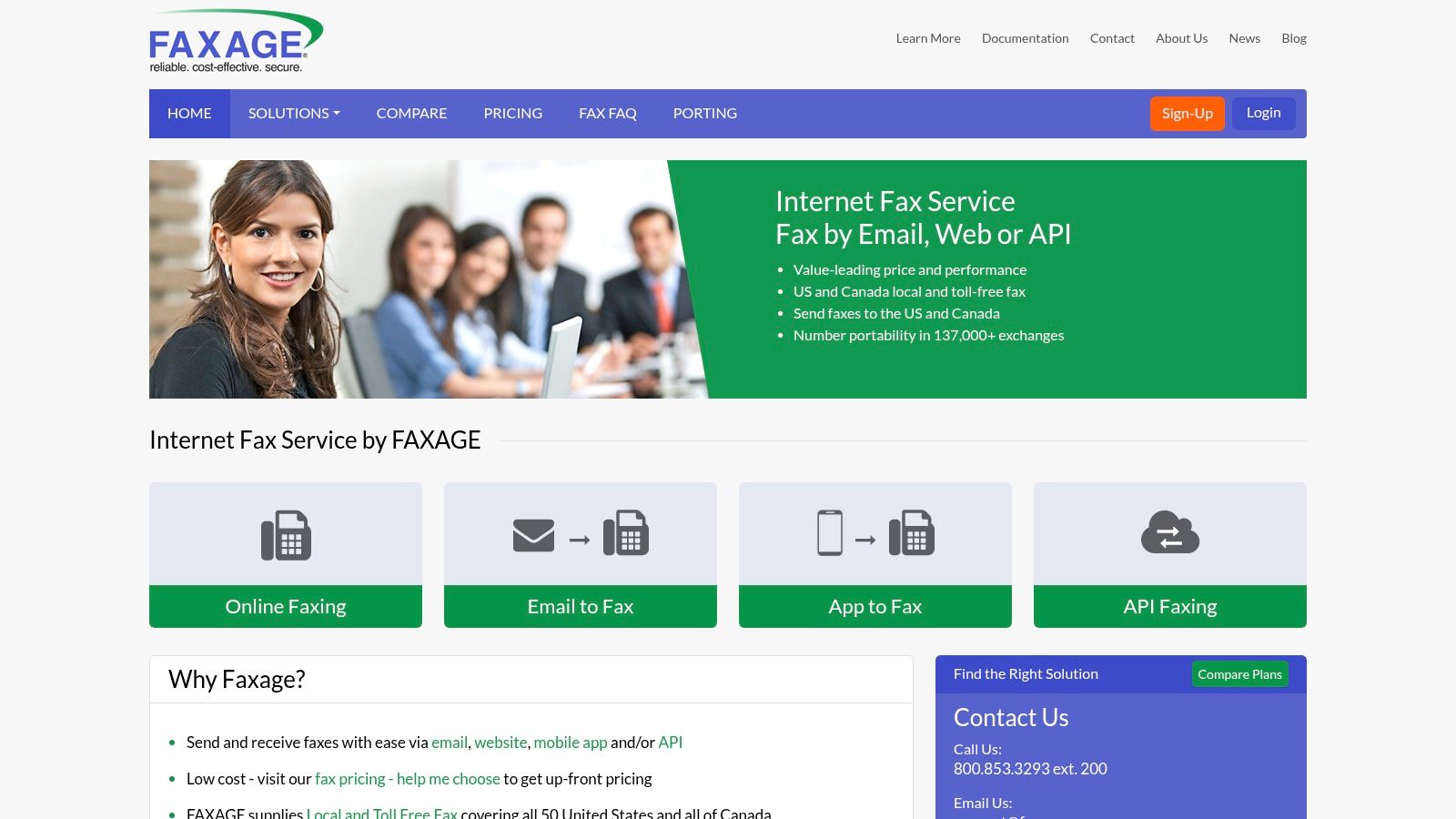
While its interface feels more functional than flashy, FAXAGE excels in scalability and technical capability. The service is built to handle everything from a single user to high-volume, multi-number enterprise setups, with robust API support for integrations. Although the minute-based billing can be less predictable than per-page pricing, the extremely low monthly entry point offers an affordable way to secure a dedicated fax line. This service is a solid option for those trying to figure out where can I fax without committing to a high-cost plan.
- Best For: Tech-savvy users and businesses needing a scalable, API-capable fax service with low startup costs.
- Key Feature: Metered, minute-based billing that can be more economical for users with varying fax volumes.
- Pricing: Starts with a very low monthly fee plus per-minute usage charges for sending and receiving.
- Website: https://www.faxage.com/
11. The UPS Store (in-store faxing)
For those who prefer a traditional, in-person experience or lack access to a scanner, The UPS Store offers reliable walk-in fax services. With over 5,500 locations, it’s a convenient option when you need to send a physical document and receive a printed confirmation page on the spot. This service is ideal for individuals who are uncomfortable with digital platforms or need assistance from staff to ensure their documents are transmitted correctly. It removes the technical hurdles of scanning and uploading files yourself.
Unlike online services that require a digital file, The UPS Store handles the entire process for you, from scanning the pages to sending them. This makes it a great answer for the question of "where can I fax near me" if you are dealing with paper-only documents. While pricing is determined by each franchise location and is typically higher per page than online alternatives, the cost includes the convenience and security of having a professional manage the transmission. It's a straightforward solution for one-off faxes, especially when you need to combine faxing with other business services like printing or shipping.
- Best For: Individuals who need to fax physical documents or prefer in-person assistance.
- Key Feature: Provides printed confirmation sheets and staff support for the entire process.
- Pricing: Varies by location; typically a flat fee for the first page and a lower rate for subsequent pages.
- Website: https://www.theupsstore.com/store-services/faxing-service?utm_source=openai
12. FedEx Office (in-store faxing)
For those who prefer a traditional, in-person experience or need to fax physical documents, FedEx Office provides a reliable solution. With thousands of locations nationwide, it's a convenient option for sending local, domestic, or international faxes. Customers can use self-service machines, which typically include a complimentary cover sheet, or get assistance from a team member. This makes it an excellent choice for travelers or anyone already visiting a store for printing, shipping, or other business services.
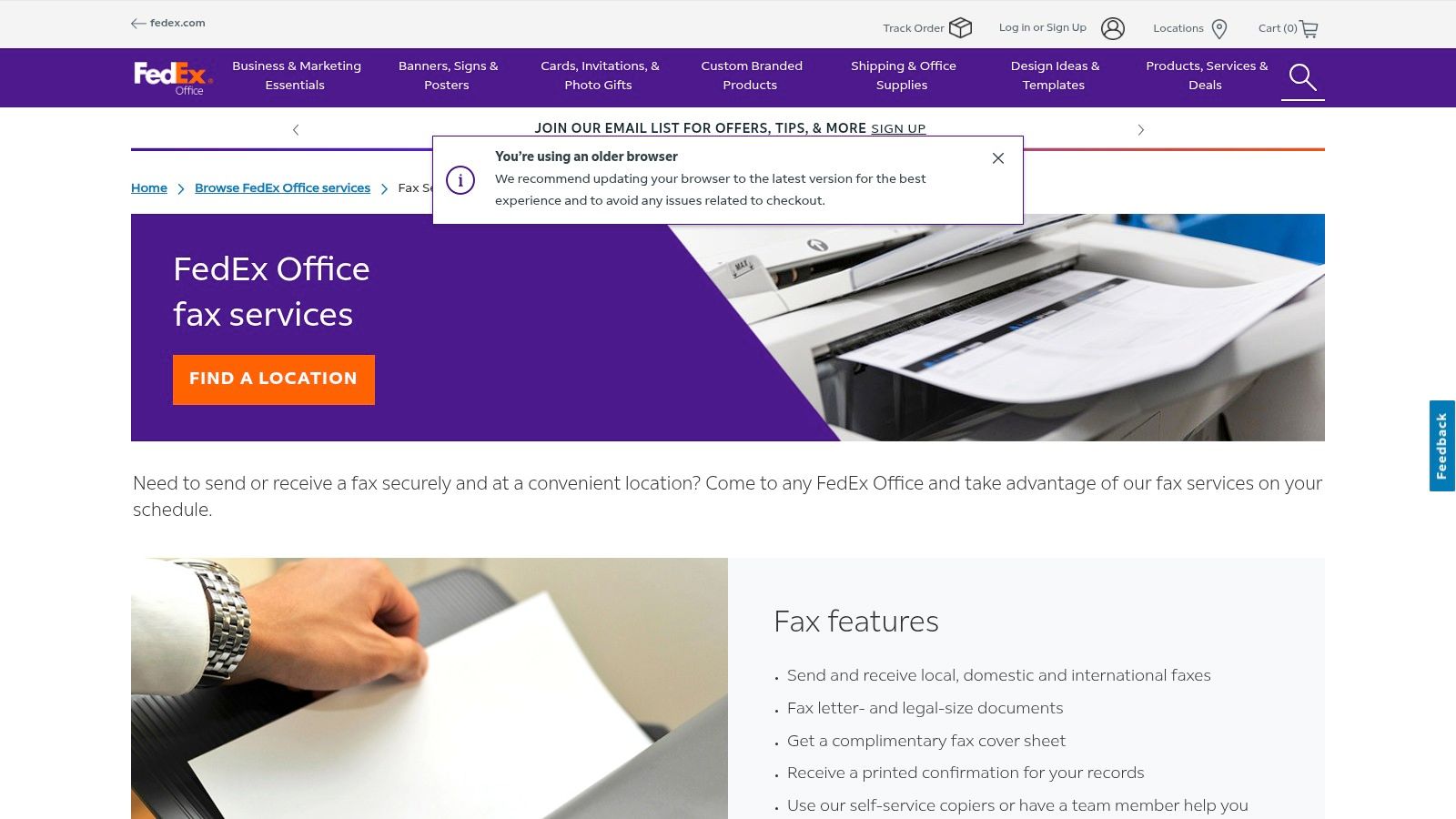
Unlike digital services, FedEx Office offers the immediate satisfaction of a printed confirmation page, which can be crucial for record-keeping. However, this convenience comes at a higher per-page cost compared to most online alternatives, and prices can vary by location. The service is also limited by store operating hours, making it less flexible than 24/7 online platforms. It's a solid answer to the question "where can I fax near me," especially when you need to handle multiple tasks like printing and faxing in one stop.
- Best For: Individuals needing to fax physical documents or those seeking in-person assistance.
- Key Feature: Provides an immediate printed confirmation page for every sent fax.
- Pricing: Pay-per-page in-store; costs vary by location and are generally higher than online services.
- Website: https://www.office.fedex.com/default/fax-services?utm_source=openai
Where to Fax: Comparison of 12 Services
| Service | Core features | UX / Quality | Price / Value | 👥 Target audience | ✨ Unique selling points |
|---|---|---|---|---|---|
| SendItFax 🏆 | Browser-based; DOC/DOCX/PDF uploads; no account required; free 3 pages + cover (5/day); pay-per-fax up to 25 pages | ★4.8/5 (250+ reviews) — fast & reliable | 💰 Free tier; $1.99 per fax (Almost Free) — priority & branding removal | 👥 Individuals, freelancers, SMBs, professionals | ✨ No-registration workflow; priority delivery; remove branding on paid sends |
| eFax | Local/toll-free numbers, apps, email-to-fax, team sharing, APIs | ★Mature, enterprise-grade | 💰 Subscription plans — can be costly; page limits/overage | 👥 Solo users → enterprises needing admin & scale | ✨ HIPAA-eligible plans, number porting, API support |
| FAX.PLUS | Free plan (10 pages); mobile apps; cloud integrations; unlimited storage | ★Secure & well-rounded | 💰 Competitive at scale; tiered pricing | 👥 SMBs and regulated orgs (Enterprise) | ✨ Enterprise BAA/HIPAA, strong integrations |
| FaxZero | Send-only web faxing; free 3 pages + cover (5/day); paid up to 25 pages | ★Very quick for one-offs | 💰 Free tier with branding; paid Almost Free (ad-free) | 👥 Occasional one-off senders | ✨ No signup required; simple, transparent limits |
| GotFreeFax | Free (2/day, 3 pages) with no branding; premium up to 30 pages; prepaid credits | ★Ad-free free sends | 💰 Free ad-free option; prepaid credits that never expire | 👥 Users who want ad-free output without subscription | ✨ Free no-brand cover pages; prepaid credits & broadcasting |
| WiseFax | Pay-as-you-go tokens; optional short-term receive numbers; mobile apps | ★Flexible pay-as-you-go | 💰 Token pricing shown pre-send; receive numbers weekly/monthly | 👥 Occasional senders who need temporary receive numbers | ✨ Short-term weekly receive numbers; token transparency |
| MyFax | Email/web/mobile faxing; 14-day trial; plans 100–600 pages; local/toll-free | ★Straightforward & clear | 💰 Plan tiers (monthly) with overage fees | 👥 Home offices & small businesses | ✨ Simple plan tiers; included local/toll-free numbers |
| SRFax | HIPAA/PHIPA-compliant plans with signed BAA; multi-user; unlimited storage | ★Security-first for healthcare | 💰 Competitive for regulated use (healthcare tiers) | 👥 Healthcare & regulated industries | ✨ Signed BAA; compliance-focused features |
| FaxBurner | Temporary disposable numbers; mobile-first apps; email-to-fax | ★Mobile-centric, easy to spin up | 💰 Free temp number; paid for permanent numbers & buckets | 👥 Mobile/on-the-go users needing quick inbound numbers | ✨ Disposable numbers on demand; app-first workflow |
| FAXAGE | Local/toll-free numbers; email/web/app/API faxing; minute-based billing | ★Metered & scalable | 💰 Low monthly entry; minute-based billing (can vary) | 👥 Volume users, API integrators, carriers | ✨ Metered (minute) billing and robust API support |
| The UPS Store (in-store faxing) | Walk-in send & receive; staff assistance; printed confirmations | ★In-person help & physical receipts | 💰 Price varies by location — typically higher per page | 👥 Users needing in-person service, printed confirmations | ✨ Human assistance and printed confirmation pages |
| FedEx Office (in-store faxing) | Self-service or assisted faxing; printed confirmations; cover sheet | ★Convenient at locations; combines with other services | 💰 Varies by store — often higher than online | 👥 Travelers and customers visiting FedEx Office | ✨ Nationwide locations; combine faxing with printing/scanning services |
Choosing the Right Faxing Method for Your Needs
Navigating the world of faxing in a digital age can feel complex, but the answer to "where can I fax?" has never been more diverse. As we've explored, the best solution is not one-size-fits-all. It hinges entirely on your specific circumstances, balancing factors like urgency, frequency, security requirements, and budget. The journey from a physical fax machine in every office to a cloud-based service on your smartphone represents a significant leap in convenience and accessibility.
Your primary takeaway should be this: the right tool is the one that aligns with your immediate need. There is no single "best" fax service, only the best one for a particular task. A one-time, non-sensitive document requires a vastly different solution than the regular transmission of HIPAA-protected medical records. Understanding this distinction is the key to making an efficient and cost-effective choice.
Key Decision Factors Revisited
When selecting your method, circle back to these fundamental questions:
- Frequency: Is this a one-time emergency send, or will you be faxing documents weekly? Occasional users thrive with free or pay-per-use services, while frequent users benefit from the value of a monthly subscription.
- Security: Are you transmitting sensitive personal, financial, or medical information? If so, prioritize services offering end-to-end encryption and HIPAA compliance, like SRFax or a secure in-person transaction.
- Convenience: Do you need to send a fax right now from your laptop, or do you prefer the tangible proof of a printed confirmation from a retail store? Online services offer unparalleled speed, while physical locations provide a traditional, hands-on experience.
- Volume: Are you sending a simple one-page form or a multi-page contract with attachments? Be mindful of page limits on free tiers and the per-page costs at in-store locations, which can add up quickly.
From One-Off Sends to Business Integration
For the individual user facing a sudden need to fax a document, the evolution of online faxing is a game-changer. Services like SendItFax and FaxZero have removed the barriers of cost and commitment, offering a straightforward path to get your document delivered in minutes. This is perfect for scenarios like submitting a signed rental application, sending a form to a government agency, or returning a document to a non-profit organization.
Conversely, for small businesses, freelancers, and professionals in regulated industries, the decision carries more weight. A dedicated online fax number from a service like eFax or MyFax not only provides a professional contact point but also integrates faxing directly into your digital workflow. This transforms faxing from a cumbersome chore into a manageable, archived part of your business communications, complete with audit trails and robust security protocols. In-person options at The UPS Store or FedEx Office remain a valid, reliable fallback, especially for those who need to fax original physical documents they cannot scan.
Ultimately, the power is now in your hands. You are no longer tethered to a bulky machine or limited by office hours. By carefully considering the factors we've discussed and matching them to the detailed options in this guide, you can confidently and successfully send your next fax from wherever you are.
Ready to send your fax in under two minutes without creating an account? For a simple, secure, and incredibly fast solution, give SendItFax a try. It’s the perfect answer to the question "where can I fax right now?" directly from your browser or phone. SendItFax streamlines the entire process, making it ideal for those urgent, one-off faxing needs.
Related Posts

How to Fax from Computer Mac: Free Online Method

Do You Need a Fax Number to Send a Fax? a Practical Guide
