Where to Go to Fax a Document: 8 Best Options for 2026
In an era dominated by instant messaging and email, the need to send a fax can feel like a search for a technological relic. Yet, for many official transactions involving legal documents, medical records, and government forms, faxing remains a critical and surprisingly secure method of communication. The good news is you no longer need a bulky, buzzing machine and a dedicated phone line to get the job done. The real challenge has shifted from owning the hardware to simply knowing where to go to fax a document quickly, securely, and affordably.
Whether you are a freelancer sending a single, time-sensitive contract, a patient transmitting records to a new doctor, or a small business needing a reliable document delivery solution, the options are more diverse and accessible than ever before. This comprehensive guide cuts through the confusion, exploring the best modern and traditional methods available. We will break down everything from instant online fax services and convenient retail counters at stores like FedEx Office to lesser-known options at local libraries and even sophisticated mobile apps. Our goal is to provide a clear roadmap, helping you navigate the costs, privacy considerations, and practical steps for each option so you can find the perfect fit for your specific faxing needs.
1. Online Fax Services (Web-Based Platforms)
If you're wondering where to go to fax a document without leaving your desk, an online fax service is the most modern and convenient solution. These web-based platforms transform your computer or smartphone into a powerful fax machine, allowing you to send digital files (like PDFs or Word documents) to any traditional fax number through an internet connection.
This method eliminates the need for physical hardware, paper, and ink. You simply upload your document to a website or attach it to an email, enter the recipient's fax number, and click send. The service handles the conversion and transmission, providing a digital confirmation receipt for your records.
Who Should Use This?
Online faxing is ideal for remote workers, small businesses, and anyone needing to send a fax quickly and securely. It's especially useful for transmitting sensitive documents in fields like healthcare, law, or finance, as many services offer HIPAA-compliant options and encrypted transmissions that are often more secure than a shared office fax machine.
Key Advantage: Online fax services offer unparalleled convenience, allowing you to send faxes 24/7 from anywhere with an internet connection. This accessibility makes it the top choice for urgent or time-sensitive documents.
What to Consider
Choosing the right platform depends entirely on your needs. For a one-off fax, services like SendItFax offer a free tier (up to 3 pages) or a low-cost, pay-per-fax option. For regular business use, subscription-based services like eFax provide a dedicated fax number and higher volume allowances.
Actionable Tips:
- Check Volume Needs: Use a free or pay-as-you-go service for occasional faxes to avoid monthly fees.
- Confirm File Types: Ensure the service supports your document format (e.g., PDF, DOCX, JPG).
- Verify Recipient Number: Double-check the fax number, including the country code for international sends, to prevent transmission errors.
For a detailed breakdown of different platforms and their features, you can explore this online fax services comparison.
2. Office Supply Retailers (UPS Store, FedEx Office)
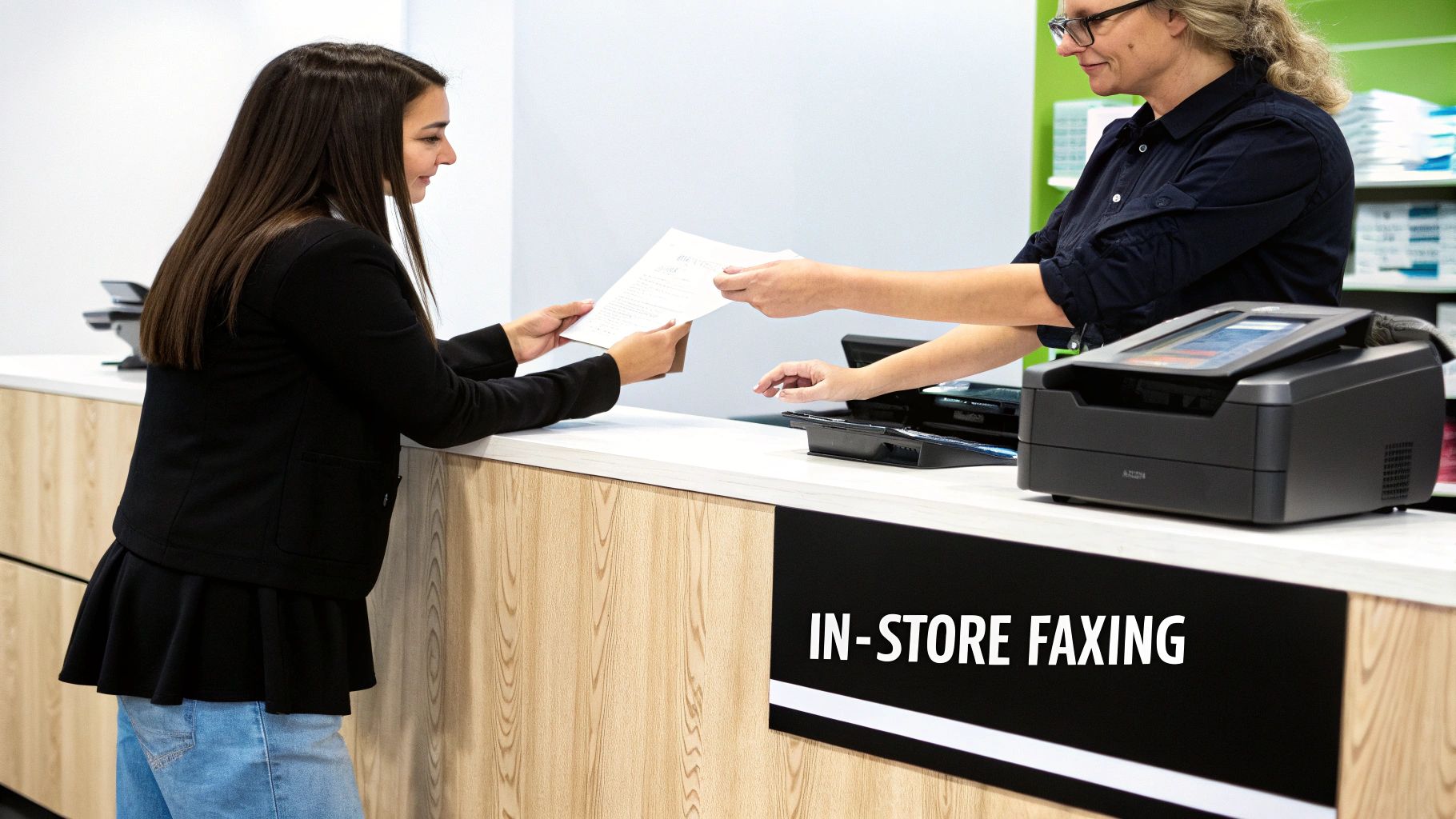
If you need a reliable, in-person option for where to go to fax a document, major office supply and shipping retailers like The UPS Store or FedEx Office are excellent choices. These ubiquitous storefronts offer walk-in faxing services, making them a convenient solution for those who prefer professional assistance or don't have access to the necessary technology at home.
This method is straightforward: you bring your physical documents to the service counter, and a store associate handles the entire transmission process for you using their commercial-grade equipment. They will provide a printed confirmation sheet as proof of delivery, which is crucial for official or time-sensitive correspondence.
Who Should Use This?
This option is perfect for individuals who only need to send a fax occasionally and want to avoid signing up for a service. It's also ideal for people who are less comfortable with technology or need to send physical, original documents that haven't been digitized. The immediate, tangible confirmation receipt makes it a trusted choice for sending important legal, financial, or real estate paperwork.
Key Advantage: The primary benefit is reliability and professional assistance. Having a staff member manage the process and provide a physical confirmation receipt offers peace of mind that your document was sent successfully.
What to Consider
Pricing is typically on a per-page basis and can vary significantly by location and whether the fax is local, long-distance, or international. For instance, The UPS Store and FedEx Office have thousands of locations, but their prices are set by individual franchises. It’s wise to call ahead to confirm costs, especially if you have a large document.
Actionable Tips:
- Call Ahead: Always contact your local store to verify they offer fax services, check their hours, and ask about the cost per page.
- Bring Clear Copies: Ensure your documents are clean and legible to guarantee a high-quality transmission.
- Request a Receipt: Always ask for the printed confirmation page that includes the date, time, and recipient's number for your records.
For specific locations and services, you can visit The UPS Store's website or your local print shop's page to find a provider near you.
3. Email-to-Fax Services (Integrated Email Solutions)
For professionals who live in their email inbox, email-to-fax services offer a seamless way to fax a document without disrupting established workflows. This method integrates faxing capabilities directly into your existing email client, such as Outlook or Gmail, transforming it into a powerful communication hub.
The process is remarkably simple: you compose a new email, attach your document (like a PDF or Word file), and send it to a specially formatted email address, typically [faxnumber]@[serviceprovider].com. The service then converts the email content and attachment into a standard fax and transmits it to the recipient's machine, sending a confirmation receipt back to your inbox.
Who Should Use This?
Email-to-fax is perfect for businesses and individuals who need to send faxes regularly and want to centralize their communications. It's particularly effective in corporate environments where platforms like RingCentral or Nextiva are already used for unified communications, as it keeps all correspondence, including faxes, archived and searchable within one system.
Key Advantage: The primary benefit is workflow integration. By allowing users to send faxes from the same platform they use for all other business communications, it eliminates the need to learn a new interface and saves significant time.
What to Consider
This solution is typically part of a broader subscription package, making it less ideal for a one-time fax. Providers like RingCentral and Nextiva bundle it with their VoIP and business communication suites. For those using Google Workspace or Microsoft 365, various third-party add-ons can enable this functionality directly within the email interface.
Actionable Tips:
- Set Up Forwarding: Configure fax-to-email forwarding so that incoming faxes are delivered directly to your inbox for a fully integrated experience.
- Use Correct Formatting: Always use the precise email address format required by your provider (e.g.,
[email protected]) to avoid delivery failure. - Enable Delivery Receipts: Turn on email notifications for sent and received faxes to maintain a clear digital paper trail for compliance and record-keeping.
4. Healthcare and Legal Document Fax Services (Specialized Providers)
When you need to fax a document containing highly sensitive information, standard services may not meet the stringent security and compliance requirements of regulated industries. Specialized online fax providers cater specifically to sectors like healthcare, law, and finance, offering platforms engineered for secure transmission and regulatory adherence.
These services go beyond basic faxing by incorporating features like HIPAA-compliant encryption, detailed audit trails, and certified data storage. Platforms such as MetroFax and Biscom are designed to handle protected health information (PHI) and privileged legal documents, ensuring every transmission meets strict legal and ethical standards for privacy and security.
Who Should Use This?
This option is essential for medical professionals, legal firms, financial institutions, and any organization handling personally identifiable information (PII). If your document transmission is subject to regulations like HIPAA, PIPEDA, or GDPR, using a specialized, compliant service is not just a best practice; it is often a legal requirement to avoid severe penalties.
Key Advantage: These providers offer peace of mind with verifiable compliance and security features, including audit logs and encrypted transmissions that are crucial for regulatory investigations and maintaining client trust.
What to Consider
Choosing a specialized provider means prioritizing compliance over cost. While more expensive than general-use services, platforms like Documend (for medical records) provide indispensable features tailored to specific industry workflows. Before committing, verify that the provider’s compliance certifications (e.g., HIPAA, SOC 2) align with your specific legal and jurisdictional needs.
Actionable Tips:
- Verify Compliance: Always confirm that the service's compliance certifications match your industry’s requirements.
- Implement Access Controls: Use features like user authentication and role-based access to restrict document access to authorized personnel only.
- Maintain Logs: Keep detailed transmission logs for regulatory audits, as these services often automate this process for you.
- Train Your Staff: Ensure anyone sending faxes understands the secure handling procedures required for sensitive information. You can explore the fundamentals of secure faxing to better inform your team.
5. Library and Community Center Fax Services
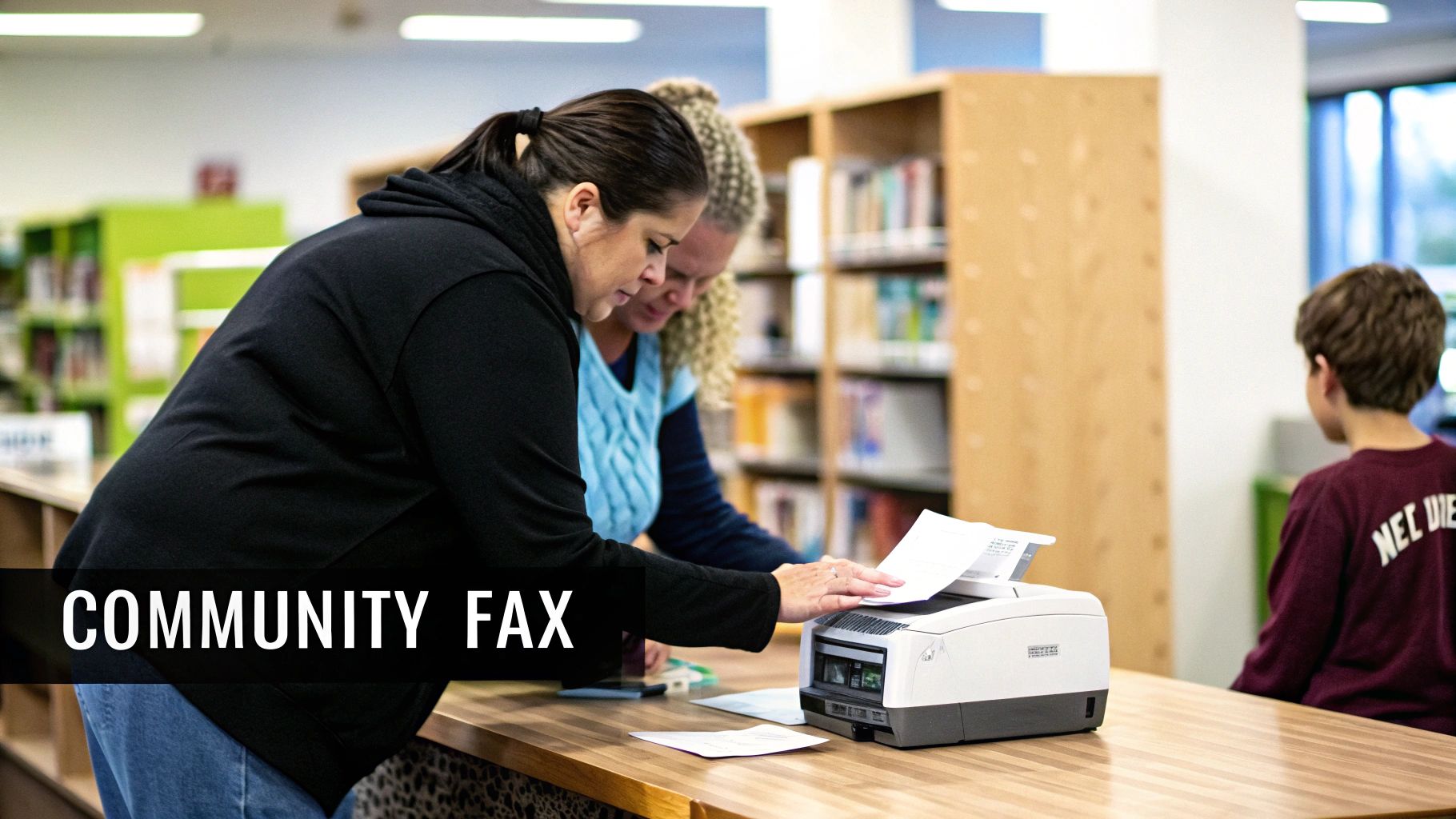
For those seeking an affordable, community-based option for where to go to fax a document, public libraries and local community centers are invaluable resources. These public-service-oriented locations often maintain a fax machine for patrons, providing a crucial service for individuals who may not have access to office equipment or reliable internet.
The process is straightforward: you bring your documents to the service desk, and a staff member typically assists with sending the fax. This hands-on help makes it a great option for anyone unfamiliar with faxing. It's a reliable, albeit less private, method for sending non-sensitive paperwork like applications or forms.
Who Should Use This?
This service is perfect for students, senior citizens, job seekers, and anyone needing to send a fax at a very low cost, or even for free. Community centers, YMCAs, and nonprofit job centers often provide this service to support their members. It's an excellent choice for sending local documents where strict privacy isn't the primary concern, such as submitting a form to a local government agency or a job application.
Key Advantage: The primary benefit is accessibility and affordability. Libraries and community centers offer a welcoming, low-pressure environment with staff available to help you send your fax correctly, making it ideal for first-time users or those on a tight budget.
What to Consider
Availability and cost can vary significantly between locations. While some libraries may offer the service for free, others might charge a small fee per page, often around $0.50 to $2.00. Since these are public facilities, they operate on specific schedules, so you are limited to their business hours. Also, remember that a staff member will handle your documents, so this method is not suitable for highly confidential information.
Actionable Tips:
- Call Ahead: Always contact the library or center beforehand to confirm they have a working fax machine, check their hours, and ask about any associated costs.
- Bring Cash: Many locations only accept cash for faxing fees, so come prepared with small bills and coins.
- Ask for a Receipt: Always request a printed confirmation page to verify that your document was sent successfully.
6. Virtual Business Address and Mail Services (Regus, iKor, LiquidSpace)
For professionals seeking a comprehensive business presence, a virtual office or mail service can be an excellent place to go to fax a document. These services provide a physical business address and mail handling, and often bundle in additional administrative support, including access to faxing services, as part of a monthly package.
Instead of a standalone service, faxing becomes an integrated part of a broader business infrastructure solution. You typically send your documents through a client portal or by emailing them to the service's administrative team, who then handles the transmission. This is a great solution for maintaining a professional image without the high cost of a physical office lease.
Who Should Use This?
This option is tailor-made for entrepreneurs, remote-first companies, and startups that need a prestigious business address for registration and client correspondence. It's ideal for those who already require mail forwarding or a physical address and see faxing as a valuable, convenient add-on rather than a primary, high-volume need.
Key Advantage: These services bundle multiple professional tools into one package, streamlining administrative tasks and providing a polished business identity that includes a physical address, mail handling, and fax capabilities.
What to Consider
The key consideration is value: is the entire package worth the cost? For businesses that only need to fax, this is an expensive route. However, for those leveraging the address and mail services, the included faxing is a significant benefit. Global providers like Regus and specialized services like iKor offer various tiers of service.
Actionable Tips:
- Evaluate the Bundle: Compare the total cost of the virtual office package against subscribing to a standalone fax service and P.O. box separately.
- Check Fax Capabilities: Verify if the service includes both sending and receiving, and understand any page limits or per-page fees that might apply.
- Confirm Address Use: Ensure the provided business address can be legally used for business registration or LLC formation in your state or country.
7. Smartphone and Mobile App Fax Solutions (Adobe, Microsoft, Specialized Apps)
For those who need to fax a document while away from a computer, mobile apps provide an incredibly powerful and portable solution. These applications effectively turn your smartphone or tablet into a scanner and fax machine in one, allowing you to capture, sign, and send documents from virtually anywhere. You can use your device's camera to create a high-quality digital scan of a physical paper.
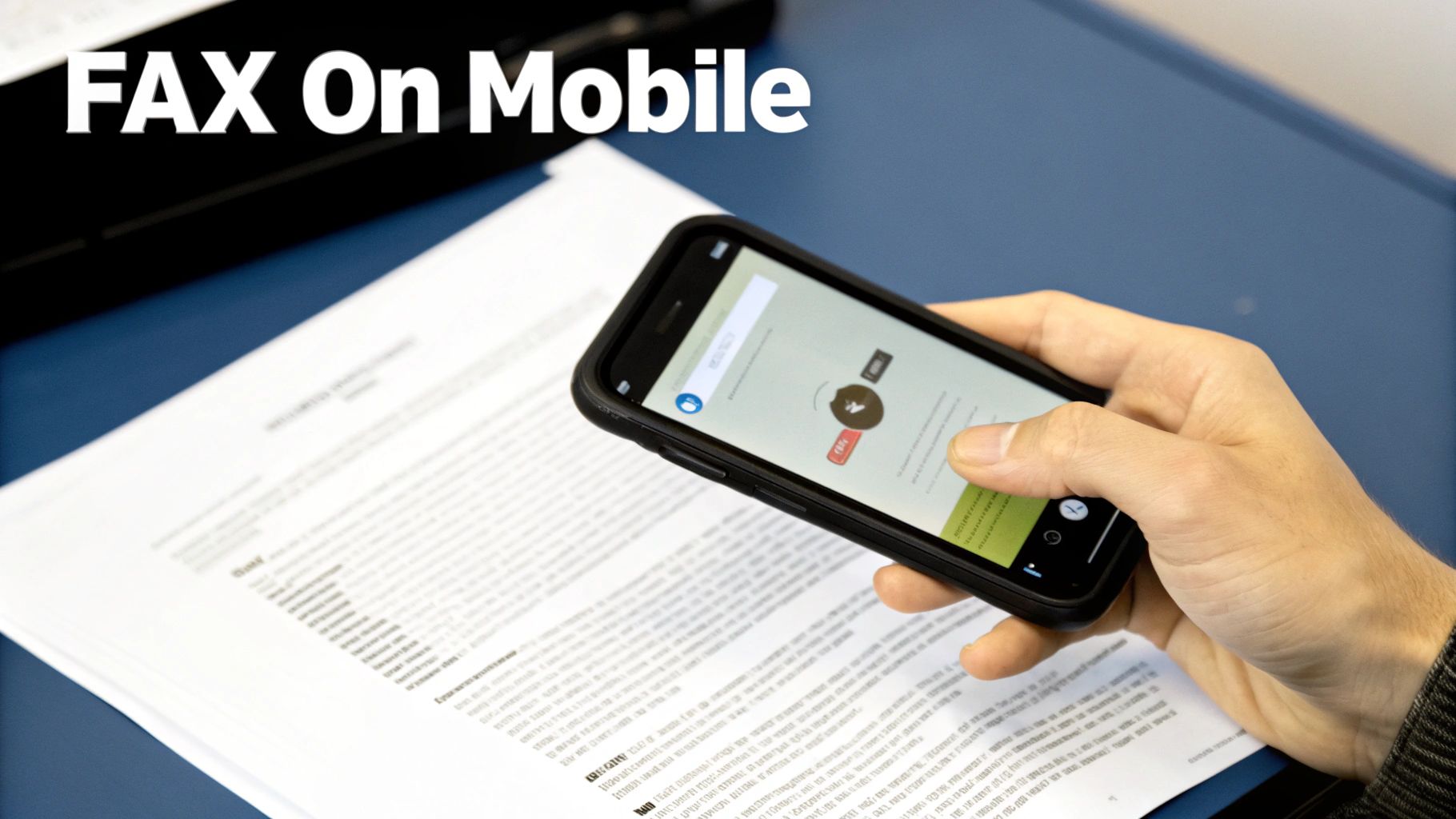
This method combines the convenience of online faxing with the added benefit of mobile document capture. Simply scan your document using the app, enter the recipient’s fax number, and send. The entire process is managed within a single application, making it a seamless experience for on-the-go professionals.
Who Should Use This?
Mobile fax apps are perfect for field agents, travelers, freelancers, and anyone who operates primarily from their smartphone. They are especially useful for situations where you need to send a signed contract, an invoice, or an ID document immediately without access to a computer or scanner. Apps from trusted names like Adobe Acrobat Reader or the Microsoft Office suite often integrate faxing into their existing document management features.
Key Advantage: The all-in-one capability of scanning, editing, and faxing from a single device offers unmatched convenience for mobile workers. It eliminates the need for any external hardware and streamlines the entire workflow.
What to Consider
Choosing the right mobile fax solution depends on your ecosystem and frequency of use. If you already use Adobe or Microsoft products, their built-in fax features are a logical choice. For more specialized needs, dedicated apps like Fax Burner or iFax offer robust features, including temporary fax numbers and detailed tracking. Pricing models vary from free, ad-supported services for occasional faxes to monthly subscriptions for higher volume users.
Actionable Tips:
- Optimize Your Scan: Use bright, natural light without shadows and ensure the document fills the entire frame for a clear, legible scan.
- Verify Scan Quality: Always preview the scanned document to check for blurriness or cropping issues before sending.
- Maintain Stable Connection: Ensure you have a strong Wi-Fi or cellular data connection to prevent transmission failures.
- Keep Your Originals: Hold onto the physical document until you receive a successful transmission confirmation.
8. Corporate Telephone and VoIP Systems (Built-in Fax Features)
For businesses already invested in modern communication infrastructure, the answer to "where to go to fax a document" might be their existing telephone system. Many corporate Voice over IP (VoIP) and unified communications platforms include faxing capabilities as a standard or add-on feature, integrating it directly into the company’s workflow.
This method leverages your internet-based phone system to send and receive faxes digitally. Instead of a separate fax machine or service, employees can send documents through a dedicated software application, a web portal, or even via email-to-fax. Platforms like 8×8, Ooma Office, and Vonage Business often bundle this functionality, centralizing all business communications.
Who Should Use This?
This solution is tailor-made for small to large businesses that already use a VoIP system and want to consolidate their communication tools and vendors. It streamlines operations by allowing employees to manage calls, voicemails, and faxes from a single interface, eliminating the need for separate fax contracts and hardware. It’s an efficient way to equip an entire organization with fax capabilities.
Key Advantage: Integrating faxing with your VoIP system centralizes communications and simplifies billing. It provides a professional, unified solution without adding another standalone service to manage.
What to Consider
The primary consideration is whether your current provider offers this feature and if it meets your needs for reliability and volume. Some systems may have limitations on page counts or charge extra for higher usage tiers. It is crucial to confirm that the service quality is sufficient for business-critical documents, as not all VoIP fax integrations are created equal.
Actionable Tips:
- Check Your Current Plan: Contact your VoIP provider (e.g., Grasshopper, 8×8) to see if faxing is included or can be added to your existing package.
- Test Transmission Quality: Before relying on it for important documents, send several test faxes to an external number to verify delivery speed and clarity.
- Configure Fax-to-Email: Set up incoming faxes to be delivered to an email address for easy digital archiving and distribution.
- Understand Backup Options: Inquire about system reliability and have a backup method ready for when your phone system undergoes maintenance.
For more insights into modern faxing alternatives, explore this guide on faxing without a traditional landline.
8 Ways to Fax: Quick Comparison
| Category | Core Features | UX & Reliability (★) | Price & Value (💰) | Target Audience (👥) | Unique Selling Points (✨ / 🏆) |
|---|---|---|---|---|---|
| Online Fax Services (Web-Based Platforms) | Browser/email sends, PDF/DOC support, cover pages, free + paid tiers | ★★★★☆ Fast & simple | 💰 Free limited (3p+cover; 5/day), $1.99/fax (25p) | 👥 Remote workers, freelancers, small biz | ✨ No fax machine, instant delivery; 🏆 Best for quick/occasional use |
| Office Supply Retailers (UPS Store, FedEx Office) | In-person staff-assisted faxing, scanning, receipts | ★★★★☆ Professional & reliable | 💰 Higher per-page ($2–5+), pay-per-use | 👥 Walk-in customers, no-internet users, high‑stakes docs | ✨ Staff prep & verified receipts; 🏆 Best for immediate, in-person proof |
| Email-to-Fax Services (Integrated Email Solutions) | Send from email, auto-convert, tracking, archive | ★★★★☆ Seamless for email workflows | 💰 Subscription / higher enterprise cost | 👥 Businesses with corporate email/IT | ✨ Integrates with email/archives; 🏆 Best for enterprise workflow integration |
| Healthcare & Legal Fax Services (Specialized) | HIPAA/SOC2, end-to-end encryption, audit trails, EMR integration | ★★★★★ High security & compliance | 💰 Premium pricing (compliance-focused) | 👥 Healthcare, legal, finance, regulated orgs | ✨ Compliance-certified, audit-ready; 🏆 Best for PHI/privileged documents |
| Library & Community Center Fax Services | Free/low-cost in-person fax, scanning, staff help | ★★★☆☆ Accessible but limited hours | 💰 Free–$1–$3 per fax; excellent community value | 👥 Underserved populations, seniors, no‑internet users | ✨ Low/no-cost access; 🏆 Best for community members without tech |
| Virtual Business Address & Mail Services | Business address, mail scanning/forwarding, fax add-on | ★★★★☆ Professional bundled service | 💰 Monthly plans; higher overall cost | 👥 Startups, freelancers needing business presence | ✨ All-in-one business infrastructure; 🏆 Best for professional branding |
| Smartphone & Mobile App Fax Solutions | Camera scanning, edit, one-tap send, cloud sync | ★★★★☆ Very portable (scan quality varies) | 💰 Pay-per-fax or app subscription; moderate | 👥 Field agents, traveling pros, realtors | ✨ Scan + send on-the-go; 🏆 Best for mobile faxing |
| Corporate Telephone & VoIP Systems | Fax via existing phone/VoIP, web portal, fax-to-email | ★★★★☆ Integrated; quality varies by provider | 💰 Often included in telecom costs; low incremental | 👥 Businesses with VoIP systems | ✨ Uses existing infrastructure; 🏆 Best for consolidated communications |
Choosing the Right Place to Send Your Next Fax
Navigating the world of faxing in a digital age can feel like a paradox, yet as we've explored, the need for this secure and verifiable communication method persists across many critical industries. The question of where to go to fax a document no longer has a single, one-size-fits-all answer. Instead, the modern landscape offers a diverse array of options, each tailored to specific needs regarding urgency, security, frequency, and budget. Your ideal solution hinges entirely on which of these factors you prioritize most.
Synthesizing Your Faxing Strategy
The key takeaway from this comprehensive guide is the power of choice. You are no longer tethered to a bulky, physical fax machine. For the occasional user sending a single document, the convenience of a local office supply retailer like FedEx Office or The UPS Store is undeniable. These locations provide in-person assistance and immediate confirmation, making them a reliable choice for those who prefer a hands-on approach or are sending documents that are already printed. Similarly, public libraries and community centers offer a valuable, often low-cost, service that supports local residents with essential business needs.
However, for professionals, remote workers, and small businesses, the paradigm has shifted decisively towards digital solutions. The true evolution in faxing lies in the flexibility and efficiency of online platforms. Services ranging from integrated email-to-fax systems to dedicated mobile apps have transformed the process, turning your smartphone or laptop into a powerful, portable fax machine. This digital-first approach eliminates the need for travel, hardware maintenance, and paper, aligning perfectly with modern, streamlined workflows.
The Modern Faxing Advantage: Convenience Meets Security
Ultimately, the best place to fax a document is the one that seamlessly integrates into your life or business operations without compromising on security. While physical locations offer tangible peace of mind, the robust encryption and secure protocols of reputable online fax services provide an equivalent, if not superior, level of data protection for sensitive information. By understanding the distinct benefits and limitations of each option, from specialized legal providers to built-in VoIP features, you can make an informed decision. This empowers you to send your crucial documents with confidence, ensuring they are transmitted efficiently, affordably, and securely every single time. Your next fax doesn't have to be a chore; it can be a simple, strategic task.
Ready to experience the most convenient way to send your documents? For a fast, secure, and pay-as-you-go solution that eliminates subscriptions and hardware, try SendItFax. Visit SendItFax to send your first fax from any device in just a few minutes.
Related Posts

How to Fax from Computer Mac: Free Online Method

Do You Need a Fax Number to Send a Fax? a Practical Guide
