7 Best Fax from Computer Services in 2026
You need to fax a short document right now, but there's no machine nearby. The file is on your laptop, the recipient is waiting, and you're choosing between a free one-off send, a paid priority fax, or a recurring service with accounts, page allowances, and compliance controls. The best fax from computer service depends less on brand recognition than on the job.
This comparison weighs price, page limits, delivery priority, supported file types, free access, privacy documentation, compliance positioning, mobile and browser workflows, and intended users. SendItFax is the strongest starting point for quick, low-cost occasional faxes to the United States or Canada, while other services fit international sending, larger teams, native mobile workflows, transparent scaling, or regulated healthcare operations.
1. SendItFax
A short document needs sending now, but creating an account would take longer than the fax itself. SendItFax targets that one-off browser workflow. Upload a PDF, DOC, or DOCX, enter sender and recipient details, add an optional cover message, and send from a computer, tablet, or phone. The free option allows up to three pages plus a cover page, with a daily limit of five free faxes. No credit card is required, although the cover page carries SendItFax branding.
The Almost Free plan costs $1.99 per fax and uses Stripe for payment. It supports up to 25 pages, adds priority delivery, removes SendItFax branding, and lets you omit the cover page. That trade-off suits a longer document or a time-sensitive send where a branded cover sheet is unsuitable. It remains a pay-per-fax option rather than a recurring subscription.
Best fit: A short U.S. or Canadian fax when you want to avoid an account, subscription, or machine.
The service documents its privacy practices, cookie use, and terms, and collects the sender and recipient information required to process delivery. For first-time users, this step-by-step guide to sending a fax online explains the browser workflow.
SendItFax's limits define its place in the ranking. It supports faxing to U.S. and Canadian numbers, but it accepts fewer file types than broader business platforms. The site does not publish visible industry certifications or explicit HIPAA claims. Organizations handling sensitive health information should verify suitability before transmission and should not treat general browser security as proof of regulatory compliance. For occasional, low-cost sending, the lack of signup is the advantage. Compliance-heavy, team-based, and high-volume users need to compare services that document those controls directly.
2. eFax
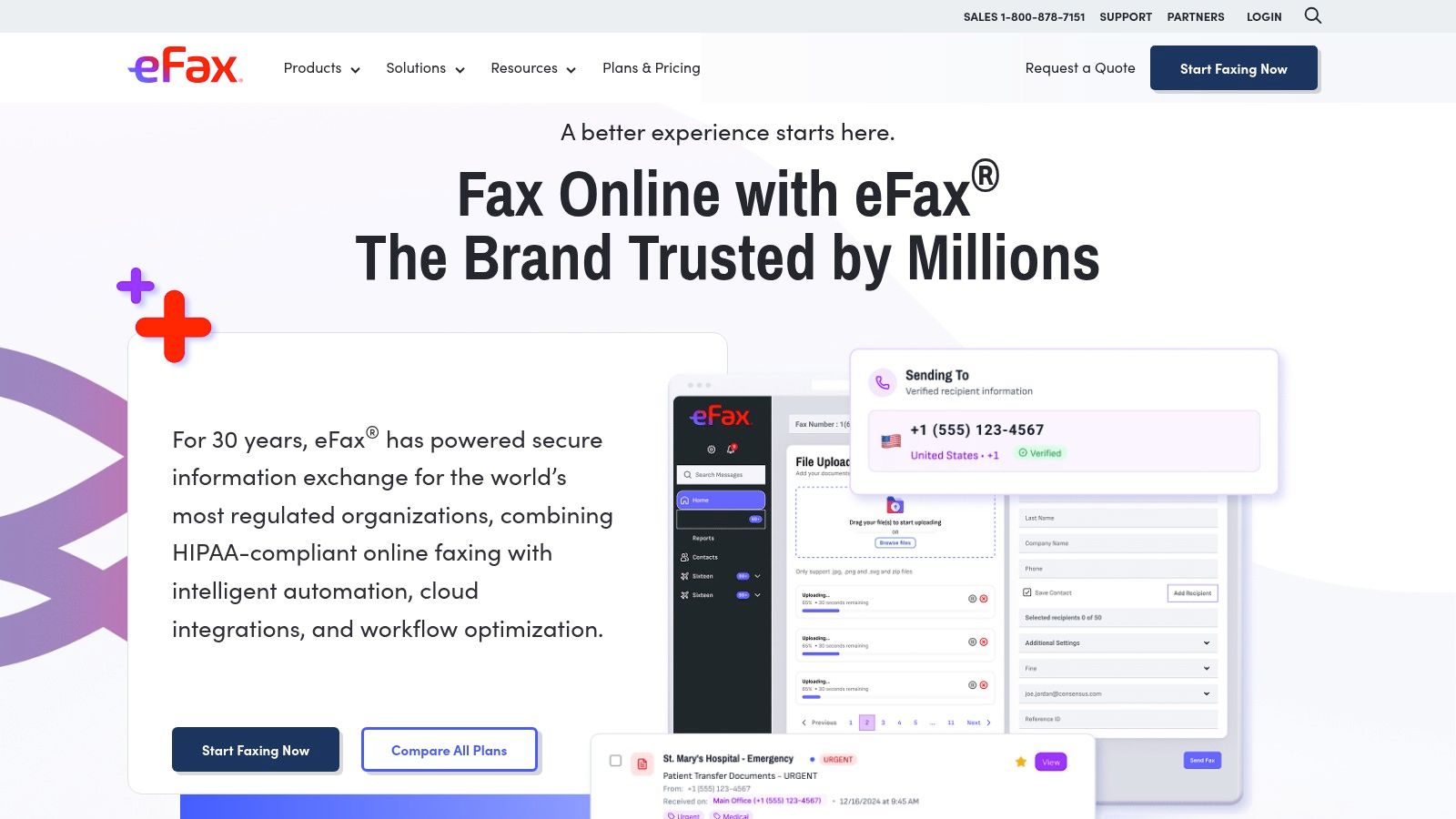
eFax is a better match when faxing is part of an established email, portal, and mobile workflow. Users can send through email-to-fax, a web portal, or iOS and Android apps. That flexibility matters to teams that don't always work from a desk, especially when a document arrives in an inbox or needs to be sent while someone is away from the office.
Personal plans include 200 pages per month, while business tiers include 500 pages per month and more. International sending is available across many countries, so eFax is more practical than a North America-only tool for organizations communicating with overseas recipients. Listed overage pricing is $0.10 per personal page and $0.07 per business page, so buyers should compare expected usage with the included allowance before selecting a plan. These figures come from the provider's listed plan information and should be checked at checkout.
Where eFax earns its place
The platform's enterprise orientation is its main differentiator. Business and corporate plans can include a Business Associate Agreement, HIPAA-aligned workflows, and integration options for larger operations. That doesn't automatically make every eFax account appropriate for protected health information. A buyer still needs to confirm the exact tier, contract, administrative controls, and recipient-verification process.
eFax is also easier to justify when a team needs inbound and outbound faxing rather than a single send-only transaction. The drawback is cost clarity. Entry pricing can be higher than simpler per-fax services, and interactive pricing elements may hide the final total until checkout.
For a freelancer sending one urgent page, eFax may add unnecessary account overhead. For a distributed team that needs mobile access, international reach, and a recognized enterprise product, its recurring structure can be more sensible. This explanation of how eFax works helps clarify why it fits a managed workflow rather than a purely disposable one.
3. FAX.PLUS
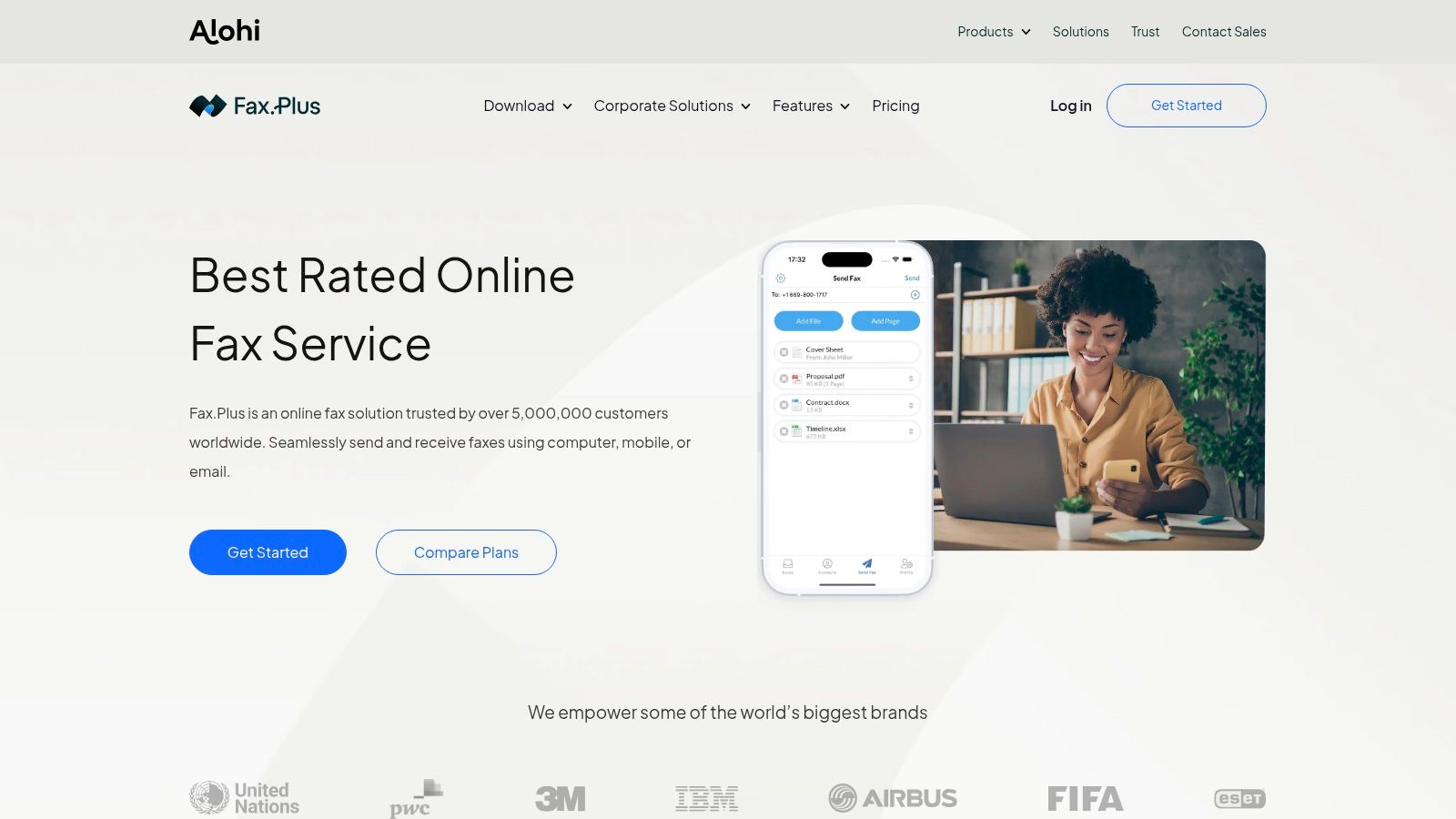
FAX.PLUS stands out for buyers who want pricing and administration to remain understandable as usage grows. Its published tiers run from Free and Basic plans through Business and Enterprise options. Included allowances rise by tier, with listed examples of 500 pages for Premium, 1,000 for Business, and 4,000 for Enterprise. Overage pricing also scales by plan, from $0.10 per page down to $0.03 per page, according to the platform's published plan structure.
That transparency changes the buying decision. A solo user can estimate whether the service fits occasional work, while an administrator can model the effect of additional users, numbers, and page volume without relying entirely on a sales conversation. The platform also supports team administration, multiple fax numbers, logs export, and single sign-on.
The scaling advantage
FAX.PLUS adds API access and integrations such as Zapier and Slack, making it suitable when faxing needs to connect with other systems. Those controls are more relevant to a growing office than to someone sending a one-page form, but they prevent a later migration when a basic account stops meeting administrative requirements.
The principal limitation is compliance packaging. HIPAA and BAA support require the Enterprise tier, which may cost more than healthcare-specific alternatives. That doesn't make FAX.PLUS unsuitable for regulated work. It means the buyer needs to budget for the correct tier instead of assuming that a modern interface or encrypted connection is enough.
A transparent page allowance is useful only when the plan also includes the controls your team actually needs.
FAX.PLUS is the strongest choice here for transparent scaling and administration. It isn't the lowest-friction option for a single urgent fax, but it gives SMBs a clearer path from individual use to managed team operations.
4. iFax
iFax is built for users who move between devices and cloud storage rather than staying inside one browser tab. It offers native apps for iOS, Android, Windows, and Mac, along with email-to-fax and web access. Microsoft 365, Google Workspace, Dropbox, and OneDrive integrations reduce the need to download a document before sending it.
The plan structure separates send-only use from more complete workflows. Basic is aimed at sending, while Plus and Pro add sending and receiving capabilities and fax numbers. The service also offers volume and enterprise options, a programmable Fax API, and materials aimed at EHR integration. That combination makes iFax appealing to businesses that want a polished end-user experience but may later need automation.
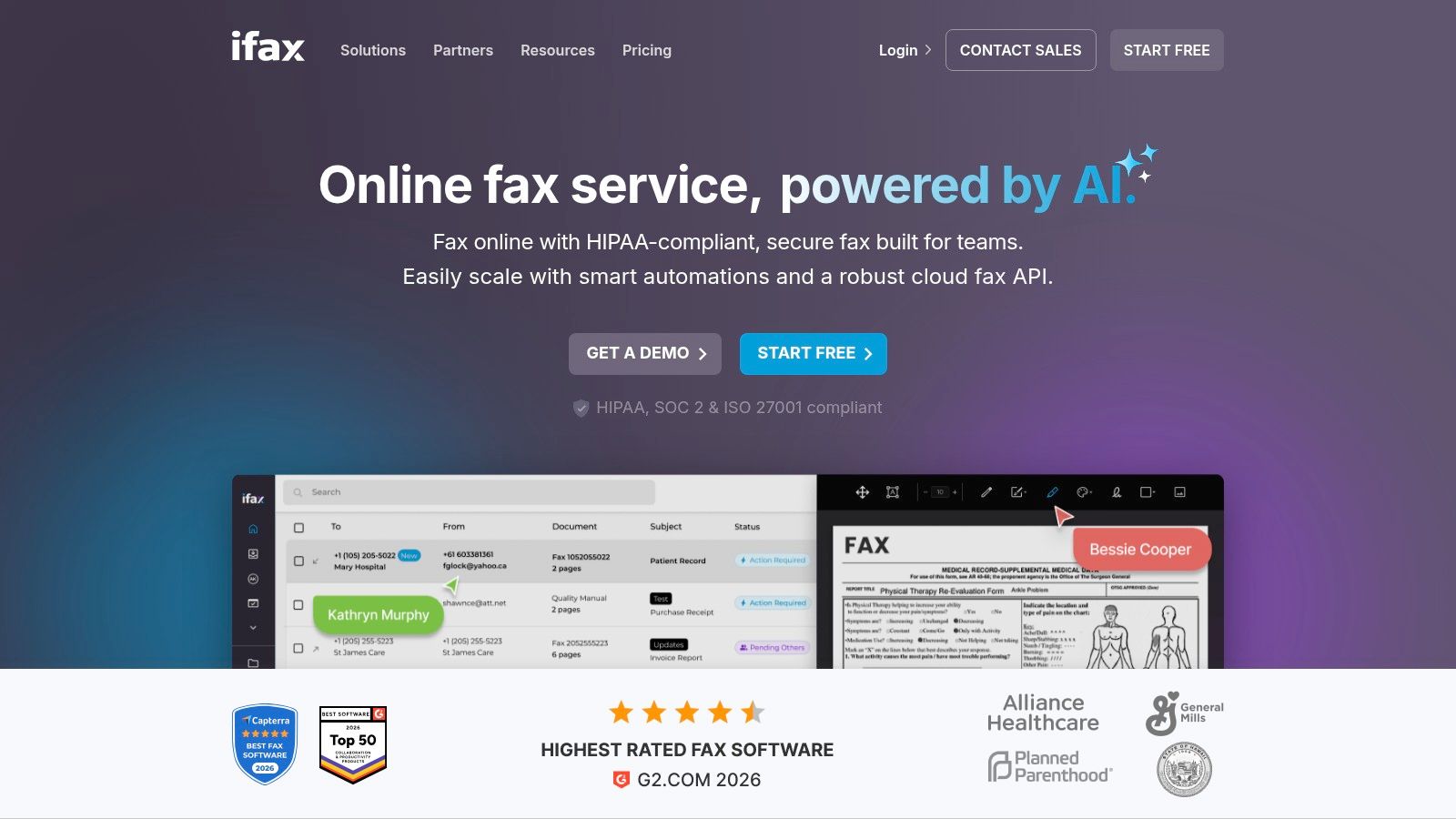
A strong device and integration profile
The advantage isn't just that iFax has apps. It's that the same service connects desktop software, mobile workflows, email, cloud drives, and programmable systems. A traveling professional can send from a phone, while an office user can work from Windows or Mac without changing providers.
Regulated organizations need to slow down before uploading protected information. iFax offers HIPAA-compliant options and a BAA through sales, but the exact requirements may depend on the selected plan, so confirm the arrangement before sending PHI. The service's compliance positioning is stronger than a generic free fax tool, yet it still requires procurement verification.
iFax is best for native apps, cloud integrations, and developer-friendly workflows. It isn't the obvious pick for a single no-account fax, and compliance details may require contacting sales. For teams already working in Microsoft 365, Google Workspace, or an EHR environment, that extra structure can be worthwhile.
5. SRFax
SRFax targets healthcare organizations that need affordability alongside compliance-oriented fax operations. Its healthcare plans range from 200 to 20,000 pages per month, with pooled sent-and-received allowances. The service offers a signed BAA option and positions its healthcare plans around HIPAA and PHIPA requirements.
That focus makes SRFax different from mainstream listicle favorites. Healthcare teams don't just need a button that uploads a PDF. They need a way to manage inbound referrals, outgoing records, number porting, retention, user access, and repeat document exchange without returning to a physical machine. SRFax includes unlimited storage, email and web faxing, a Windows print driver, number porting, and an API.
For regulated faxing, convenience is only one requirement. Contract terms, auditability, access controls, and recipient verification matter just as much.
The U.S. healthcare market remains especially dependent on fax. An independent industry summary estimates that roughly 70% to 90% of healthcare communication still moves via fax, with about 9 billion fax pages exchanged annually in U.S. healthcare and 89% of healthcare organizations maintaining active fax usage. Those figures are reported in healthcare fax transmission statistics. They explain why a healthcare-specific product can be more appropriate than a cheap general-purpose sender.
SRFax's main weakness is discoverability. Pricing pages can be segmented, so buyers may need to explore healthcare-specific pages to see the full range of options. For a small clinic or practice that needs a signed BAA option without paying for unnecessary enterprise features, SRFax deserves serious evaluation.
6. MyFax
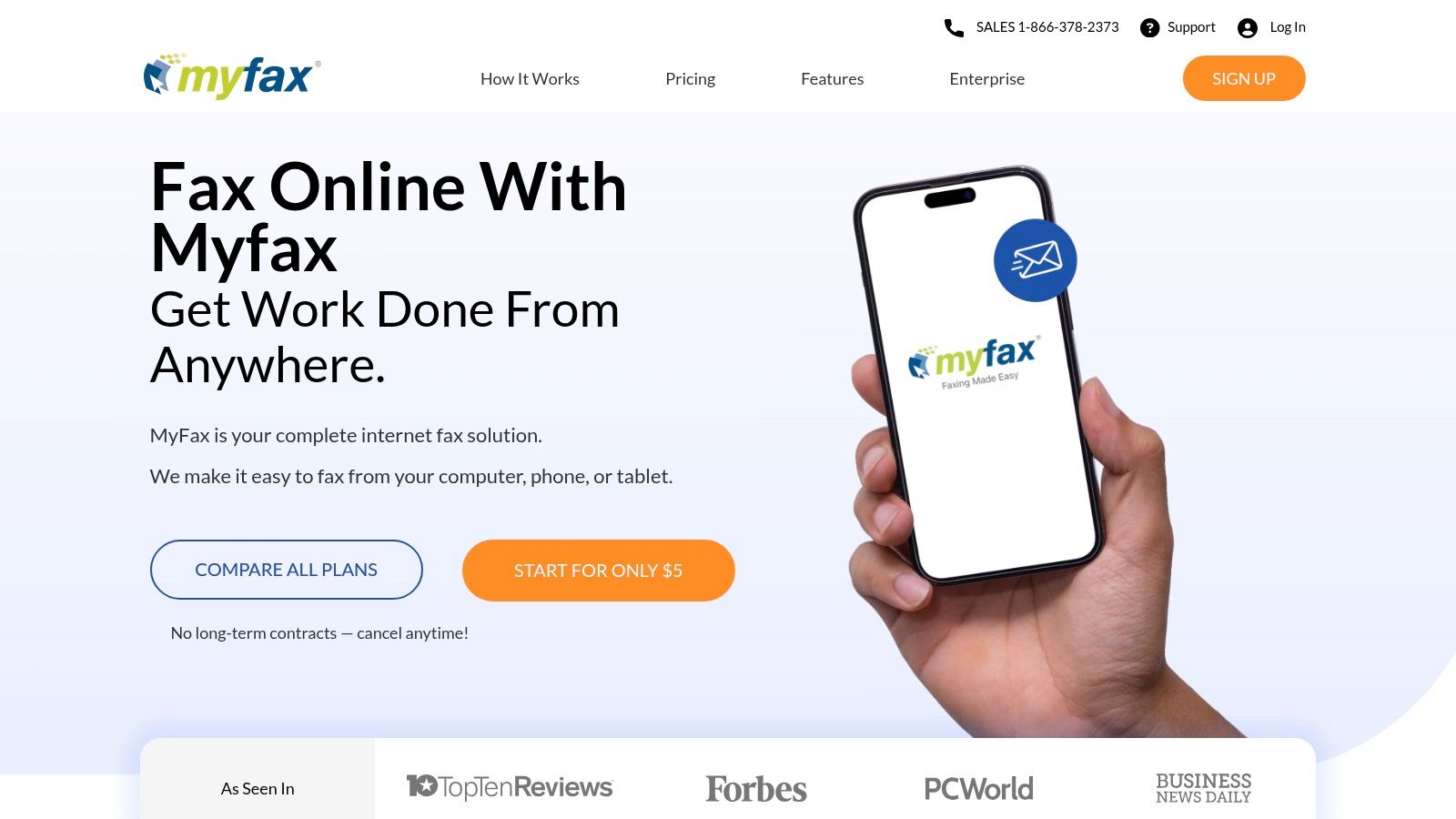
MyFax suits a small office that wants a familiar email-to-fax workflow without much technical setup. Users can send through email or a web portal, authorize up to five email addresses per account, and use mobile apps when they're away from the office. Plans include both inbound and outbound allowances, with listed options ranging from 100 to 600 pages.
The service's structure is straightforward for small-office buyers. You can test the workflow through a 14-day free trial, port an existing number, and choose a plan designed for individuals or small businesses. That makes MyFax more appropriate for a recurring office need than a no-account tool, while remaining less complex than an enterprise deployment.
The small-office calculation
MyFax's appeal is operational simplicity. A nontechnical user can attach a document to an email, send it through the service, and manage both incoming and outgoing pages from one account. A shared office also benefits from multiple authorized addresses without having to build a custom integration.
The risk is overage. U.S. overage pages are listed at $0.10 each, so a plan that looks inexpensive at the starting allowance can become less attractive when usage regularly exceeds the included pages. Review the allowance against actual inbound and outbound needs before committing.
MyFax is a good choice for small offices and SOHO users who want a trial, recurring access, and minimal setup. It isn't designed for the one-off, no-account scenario that makes SendItFax or FaxZero more compelling. It also shouldn't be selected for regulated documents without independently confirming the required security and compliance terms.
7. FaxZero
FaxZero is designed for the same urgent, occasional situation as SendItFax. You can send a short fax through a browser without creating an account to U.S. and Canadian numbers. Its free tier supports up to three pages per fax, with an automatically generated cover page carrying FaxZero branding.
The paid Premium option costs $3.29, supports up to 25 pages, removes FaxZero branding, and provides higher delivery priority. International sending is also available at country-specific prices. Unlike subscription services, this per-fax structure makes the cost easy to understand when you only send occasionally.
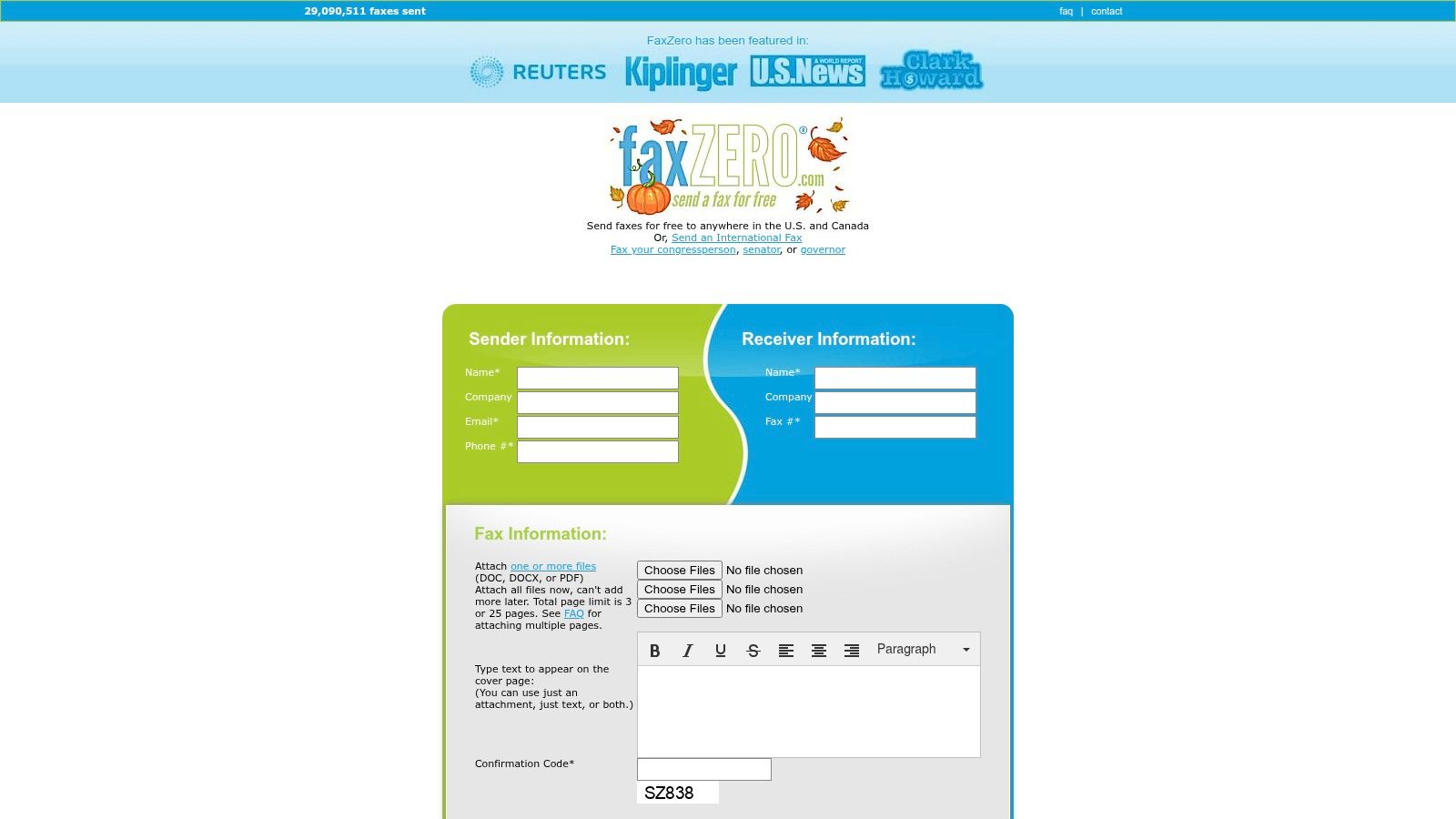
FaxZero versus SendItFax
The decision between FaxZero and SendItFax comes down to the specific trade-off. Both support no-account browser sending and short free faxes, while both offer a paid path for longer documents, cleaner presentation, and higher priority. SendItFax's paid option is lower at $1.99 per fax, while FaxZero adds an international route that may matter when the recipient isn't in the United States or Canada.
FaxZero's free workflow includes branding and daily-volume limitations, so it's not a practical replacement for a recurring office service. It also lacks the team administration, inbound fax numbers, compliance contracting, and integrations found in business platforms. For a single urgent form, that simplicity is the product rather than a missing feature.
Read this practical overview of whether FaxZero is safe before transmitting anything sensitive. As with every free sender, review the privacy terms and avoid assuming that a no-cost fax tool is appropriate for protected health information or other regulated records.
Top 7 Computer Fax Services Comparison
| Service | Implementation Complexity 🔄 | Resource Requirements ⚡ | Expected Outcomes 📊 | Ideal Use Cases 💡 | Key Advantages ⭐ |
|---|---|---|---|---|---|
| SendItFax | Very low, browser-only, no signup | Minimal, internet + browser; pay-per-fax option ($1.99) | Fast, reliable one-off sends; clear delivery reports | Casual users, freelancers, small businesses needing occasional faxes | True free tier, no account required, very low-cost paid option |
| eFax | Moderate, email/web/apps; integrates with workflows | Subscription tiers with monthly page allowances; possible overages | Robust, enterprise-ready delivery and reporting | Individuals to enterprises needing international reach and compliance options | Broad international support, optional BAA/HIPAA, mature brand |
| FAX.PLUS | Moderate, web UI + API/SSO for teams | Tiered subscriptions (transparent pages/overages) | Scalable, predictable costs and admin reporting | SMBs scaling to enterprise with admin/API needs | Clear pricing, strong admin controls, API & integrations |
| iFax | Moderate, native apps + email-to-fax; API available | Self-serve plans to enterprise; integrations with cloud drives | Polished cross-platform experience; developer-friendly API | Users who want native apps, EHR/dev integrations, scalable plans | Native apps, clear tiers, HIPAA options via BAA |
| SRFax | Moderate, healthcare-focused setup | Healthcare plans (200–20,000 pages); signed BAA option | Affordable HIPAA-compliant faxing with unlimited storage | Small-to-mid U.S./Canada healthcare providers | Cost-effective HIPAA option, number porting, pooled plans |
| MyFax | Low, email-to-fax and web portal | Low-cost monthly plans; trial available; possible overages | Simple inbound/outbound faxing for small offices | Small offices and SOHO users wanting minimal setup | Easy email workflow, low entry price, 14-day trial |
| FaxZero | Very low, single-page browser form, no account | No ongoing resources; per-fax premium ($3.29) for higher limits | Quick one-off faxes; free sends include branding | Occasional one-off fax needs to U.S./Canada | No signup, transparent per-fax pricing, simple UX |
Match the Service to the Faxing Job
The best fax from computer service depends on whether you're solving an interruption or building a process. If you have a short document for a U.S. or Canadian number and don't want an account, start with SendItFax. Its free option supports up to three pages plus a cover page, while the $1.99 Almost Free plan raises the page limit, adds priority delivery, and removes branding.
Choose FaxZero for a similar one-off browser workflow when its international availability or stated $3.29 Premium option better fits the job. Neither service is intended to replace a managed fax platform for ongoing inbound and outbound work.
A small office should compare MyFax when a trial, authorized email addresses, mobile access, and a recurring allowance matter. Its 14-day trial offers a practical way to test the workflow, but monitor overage pages if usage can exceed the plan.
For international reach and enterprise-oriented workflows, evaluate eFax. Its email, web, and mobile channels, international sending, scaling plans, and business compliance options make it more suitable for distributed teams than a send-only tool. Confirm the exact plan and contract before sending regulated information.
Use FAX.PLUS when published allowances, transparent overage rates, team administration, SSO, logs, APIs, and integrations are central to the decision. Its Enterprise requirement for HIPAA and BAA support means healthcare buyers should compare the complete cost against healthcare-focused alternatives.
Select iFax when native Windows, Mac, iOS, and Android apps, cloud-drive integrations, email-to-fax, or an API will reduce daily friction. For healthcare workflows, confirm the available HIPAA and BAA arrangements with sales before transmitting PHI.
Finally, evaluate SRFax when a healthcare organization needs a signed BAA option, pooled sending and receiving, number porting, storage, API access, and a range of healthcare plan sizes. Fax can be HIPAA-compliant only when the service supports the required safeguards, including a BAA, encryption, and recipient verification. HIPAA Vault's guidance on compliant faxing explains why a free online fax tool shouldn't be treated as compliant by default.
Before sending sensitive documents, verify current pricing, page allowances, delivery expectations, privacy terms, retention practices, and compliance suitability directly with the provider. Plan pages and contracts can change, and the cheapest fax is not always the safest choice for a regulated workflow.
If you need a short U.S. or Canadian fax without an account, SendItFax offers a genuine free option and a $1.99 priority send for longer or time-sensitive documents. Visit SendItFax to upload a PDF, DOC, or DOCX from any browser and send your fax without a machine or monthly subscription.
Related Posts
Internet Fax Service: How It Works and Who It’s For
7 Fax Numbers Free Options for US and Canada